19
To cancel self-timer photography at any time, press the shutter button to disrupt the
sequence.
Note:
After an image is taken using the self-timer, the self-timer mode is turned off.
If you wish to take another image using the self-timer, repeat these steps.
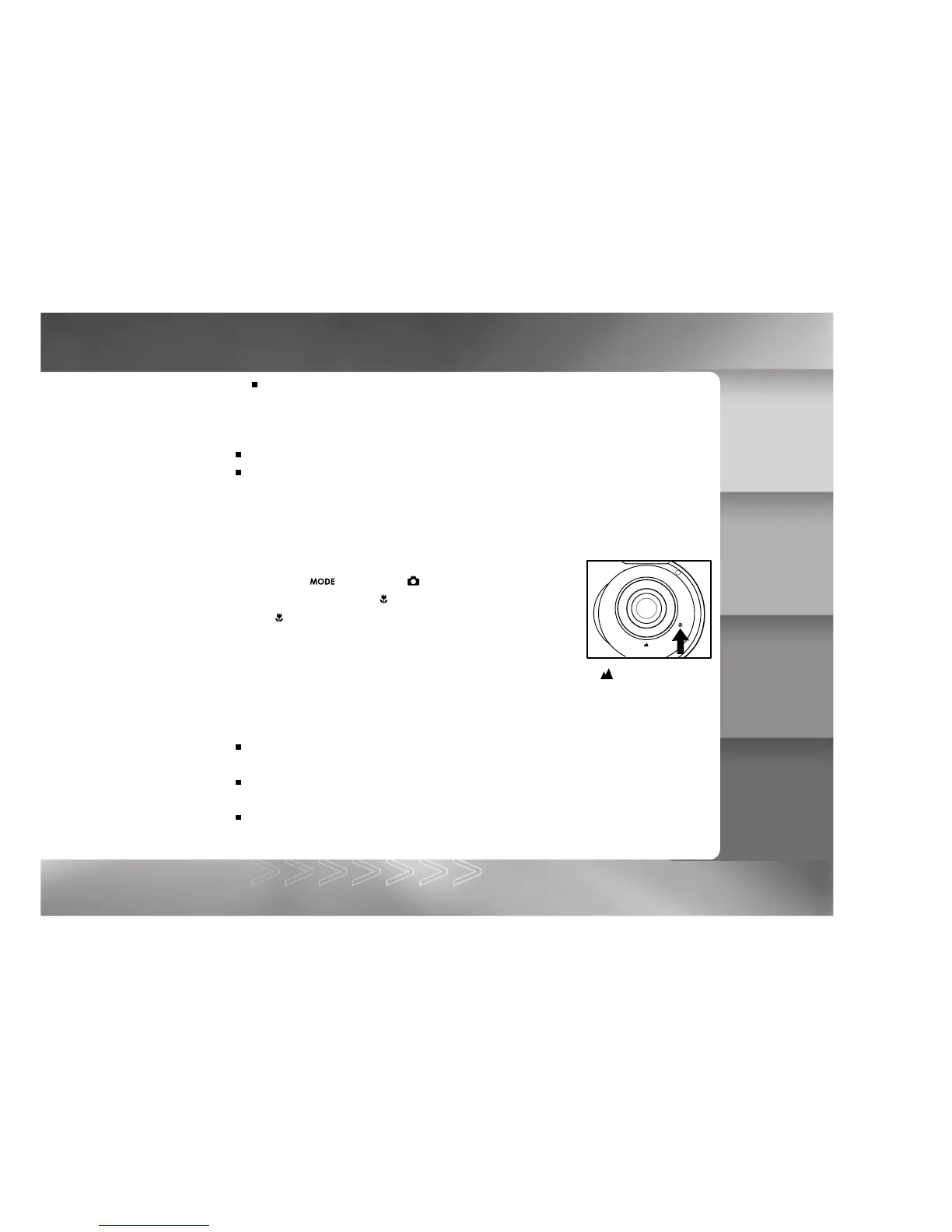
Using the Macro Mode
Use the macro (close-up) mode to shoot a close-up of a subject (such as flowers or insects)
where the range is between 1.3~1.6 ft (0.4~0.5 m).
1. Toggle the button to the
mode.
2. Set the focus dial to the
position.
The
icon appears on the LCD monitor.
3. Compose the scene.
4. Press the shutter button.
To cancel macro photography at any time, set the focus dial to the position.
Note:
When shooting a close-up in macro mode, use the LCD monitor to compose your shot,
avoiding the off-center parallax phenomenon.
There is not a distinct point (subject range) at which normal mode is favored over macro
mode; take an image in both normal and macro modes and compare the results.
After a macro shot is taken, DO NOT FORGET to reset the lens to the normal position.
IM±Æª©GAT.p65 92/7/30, ¤W¤È 09:4619



 To Next Page