32
Menu Options
Record Menu
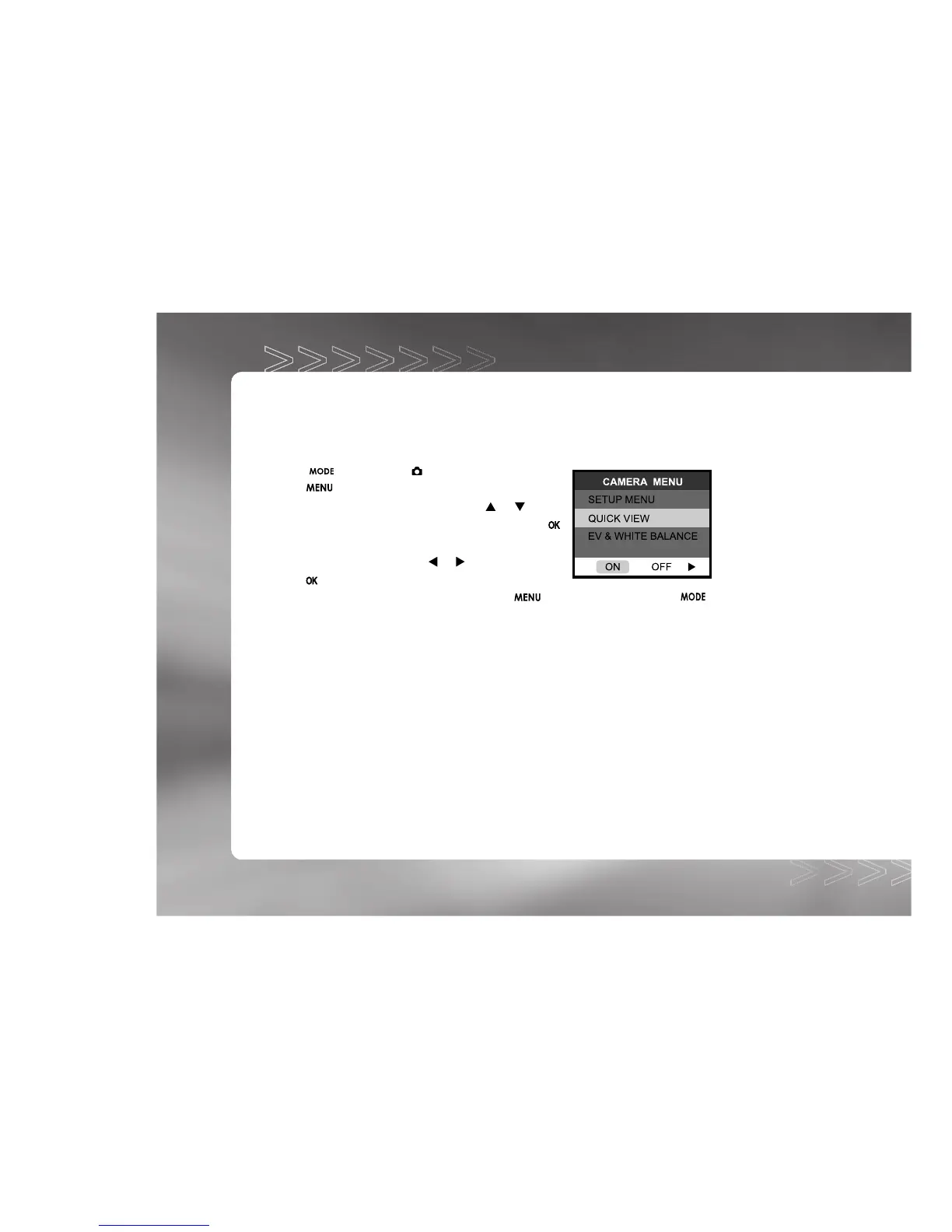
Record menu items: SETUP MENU, QUICK VIEW and EV & WHITE BALANCE.
1. Toggle the button to the mode.
2. Press the button.
3. Move to the desired menu item by using the
or button.
On SETUP MENU and EV & WHITE BALANCE, press the
button to confirm the selection.
4. Change the settings by using the or button and then
press the button.
To exit from the menu mode at anytime, press the button again or press the
button.
SETUP MENU
For more details, refer to the SETUP MENU section.
QUICK VIEW
If Quick View is enabled, each image will be displayed on the LCD momentarily after it is
captured. If disabled, no image will be displayed immediately after capture.
ON : Enable quick view.
OFF: Disable quick view.
IM±Æª©GAT.p65 92/7/30, ¤W¤È 09:4832



 To Next Page