29
Deleting Images
You can delete one image/video clip or all images/video clips at a time.
To delete one image or video clip at a time:
1. Toggle the button to the
mode.
2. Press the button.
3. Use the
or button to select ERASE.
4. Use the
or button to select ERASE ONE,
and press the
button.
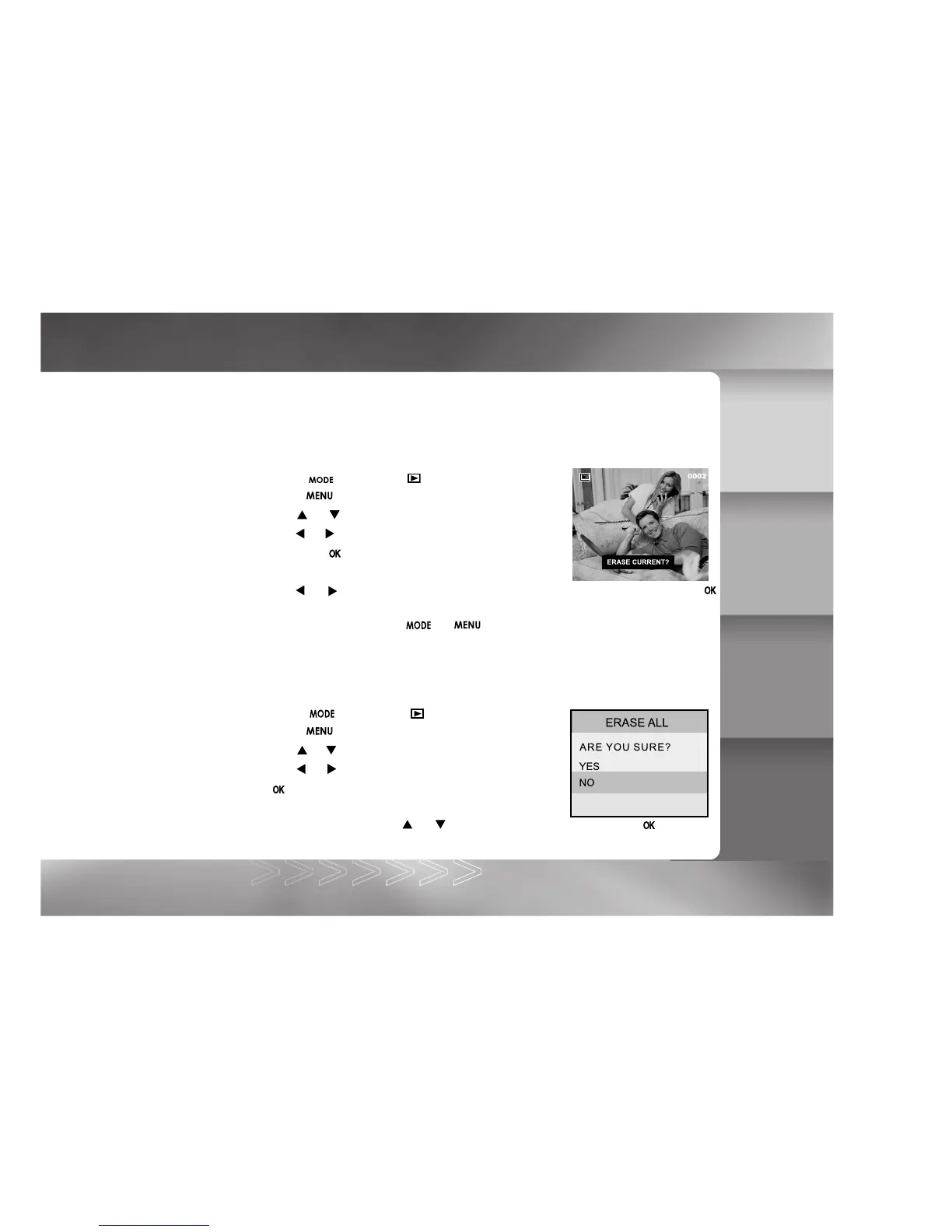
5. "ERASE CURRENT?" message appears on the image.
Use the or button to select the image to be erased. To erase the image, press the
button.
To cancel deletion, press the or button.
To delete all images or video clips at once:
1. Toggle the button to the mode.
2. Press the button.
3. Use the
or button to select ERASE.
4. Use the
or button to select ERASE ALL, and press
the button.
ERASE ALL menu appears.
5. To confirm deletion, use the
or button to select YES, and press the button.
If all images are deleted, the [NO IMAGE] message pops up.
IM±Æª©GAT.p65 92/7/30, ¤W¤È 09:4829



 To Next Page