35
Playback Menu
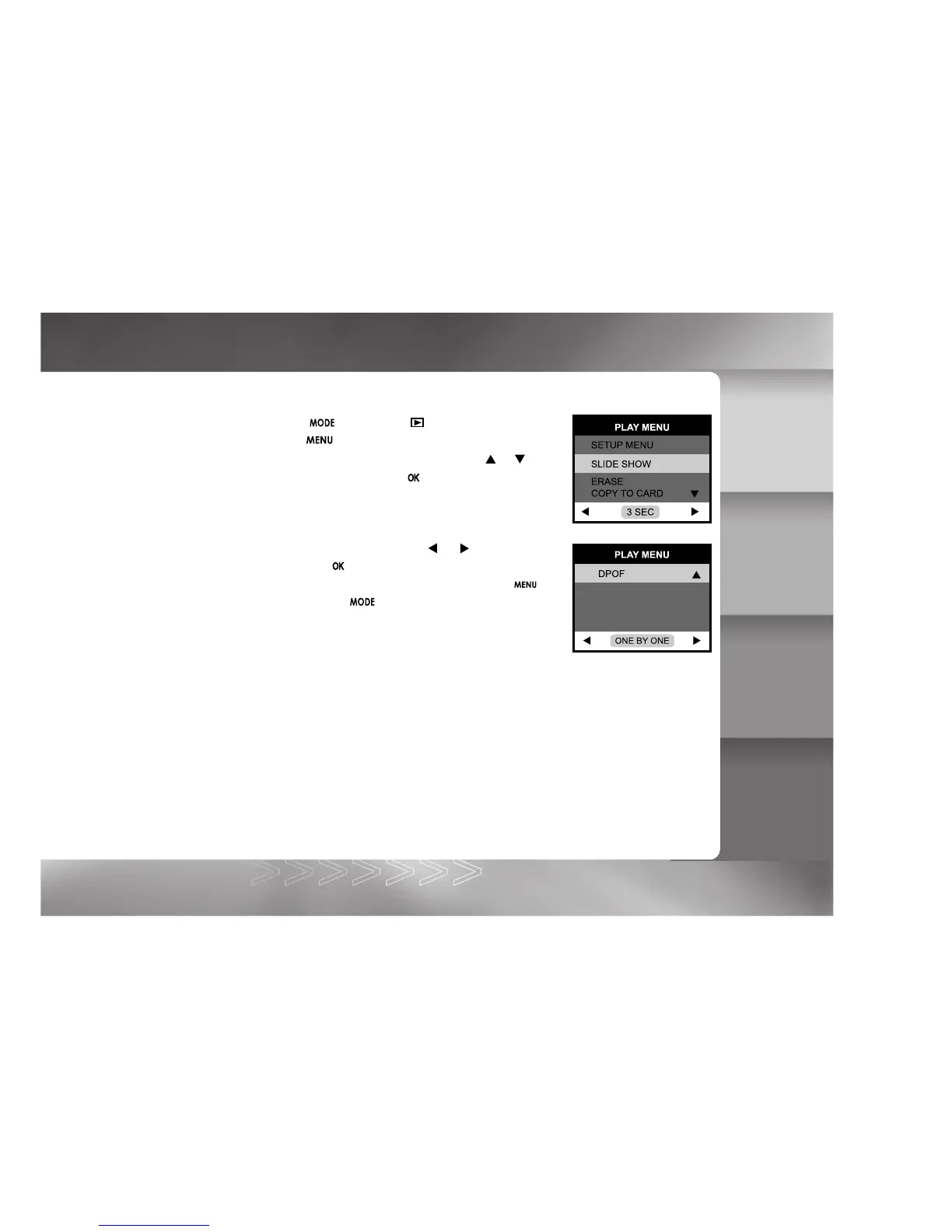
Playback menu items: SETUP MENU, SLIDE SHOW, ERASE, COPY TO CARD and DPOF.
1. Toggle the button to the mode.
2. Press the button.
3. Move to the desired menu item by using the
or button.
On SETUP MENU, press the button to confirm the
selection.
4. Change the settings by using the
or button and
then press the
button.
To exit from the menu mode at anytime, press the button
again or press the button.
SETUP
For more details, refer to the SETUP MENU section.
SLIDE SHOW
Your camera can display your images sequentially as a slide show at a selected interval.
[1 SEC], [3 SEC], [5 SEC], [7 SEC], [9 SEC]
Refer to section in this manual titled SLIDESHOW DISPLAY for further details.
IM±Æª©GAT.p65 92/7/30, ¤W¤È 09:4835



 To Next Page