25
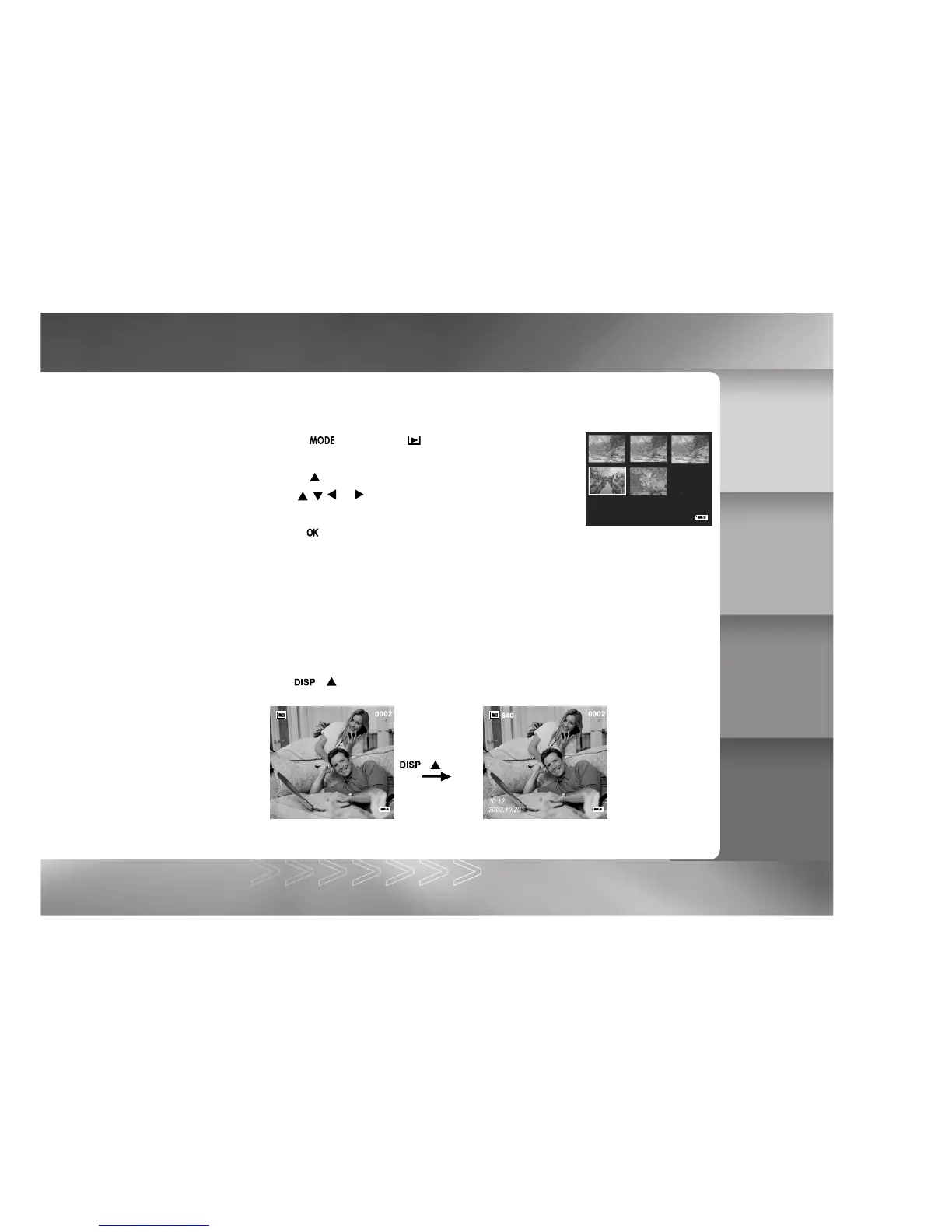
Displaying Thumbnail Images
This function allows you to view thumbnail images on the LCD monitor simultaneously so that
you may search for a particular image.
1. Toggle the button to the mode.
The last image frame appears on the LCD monitor.
2. Toggle the button until the thumbnail screen appears.
3. Use the
, , or button to move the cursor to select the
image to be displayed at regular size.
4. Press the button to display the selected image on full screen.
Viewing Image Information
Image information can be viewed on the LCD monitor during the image playback.
Toggle the ( ) button until the image information appears on the LCD monitor.
( ) button
IM±Æª©GAT.p65 92/7/30, ¤W¤È 09:4725



 To Next Page