CHAPTER 3: Setting Up and Getting Started
20
www.gateway.com
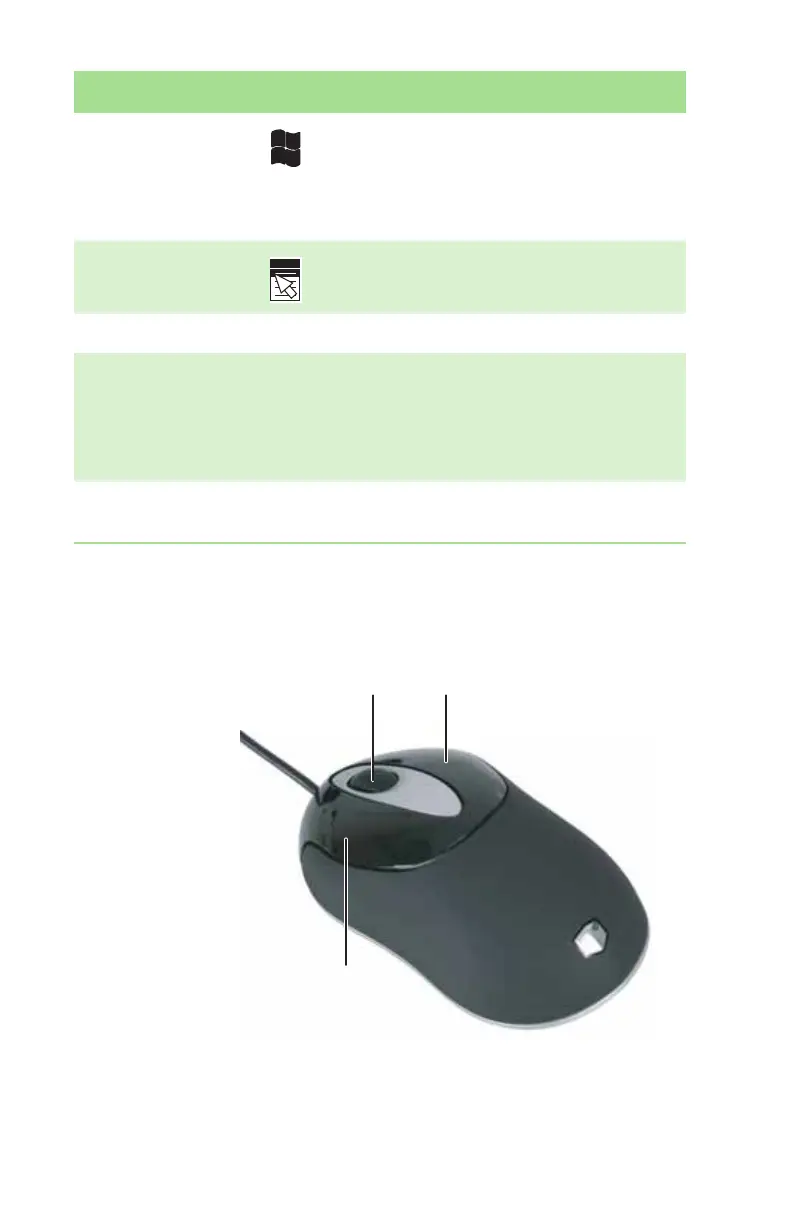
Using the mouse
Windows keys Press one of these keys to open the Windows
Start menu. These keys can also be used in
combination with other keys to open utilities like
F(Search utility), R(Run utility), and E(Explorer
utility).
Application key Press this key to access shortcut menus and help
assistants in Windows.
Editing buttons Press these buttons to copy, cut, and paste.
Navigation keys Press these keys to move the cursor to the
beginning of a line, to the end of a line, up the
page, down the page, to the beginning of a
document, or to the end of a document. Press the
arrow keys to move the cursor.
Numeric keypad Press these keys to type numbers when the
numeric keypad (N
UM LOCK) is turned on.
Feature Icon Description
Scroll wheel
Left button
Right button
8511781.book Page 20 Tuesday, October 10, 2006 4:41 PM



 To Next Page