CHAPTER 5: Upgrading Your Computer
76
www.gateway.com
7
Place the front I/O assembly onto the
computer, then replace the screw.
8 Replace the front bezel by following the
instructions in “Replacing the front bezel”
on page 54.
9 Replace the side panel by following the
instructions in “Replacing the side panel”
on page 55.
Adding or replacing an expansion
card
To add or replace an expansion card:
1 Remove the side panel by following the
instructions in “Removing the side panel”
on page 51.
Important
Your computer
hardware options
and port locations
may vary from
this illustration.
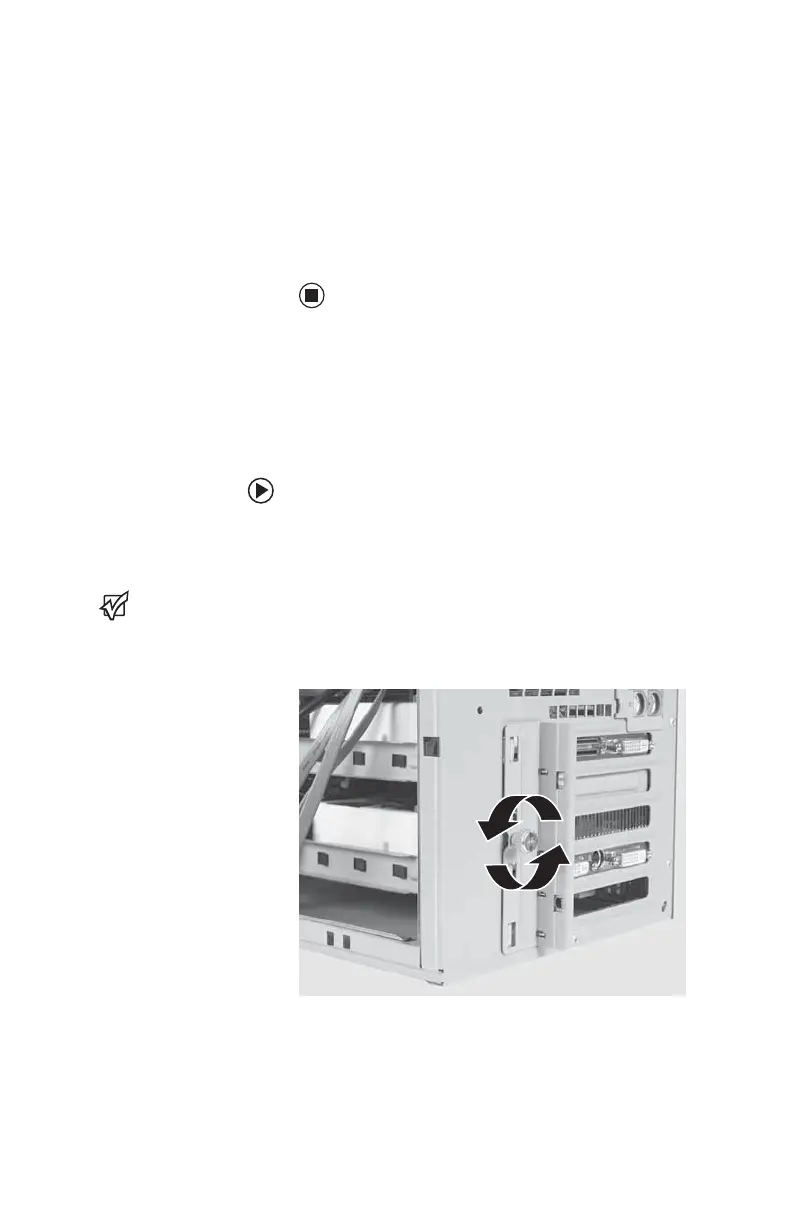
2 Loosen the thumbscrew on the expansion
card cover.
8511781.book Page 76 Tuesday, October 10, 2006 4:41 PM



 To Next Page