Opening the case
53
Removing the front bezel
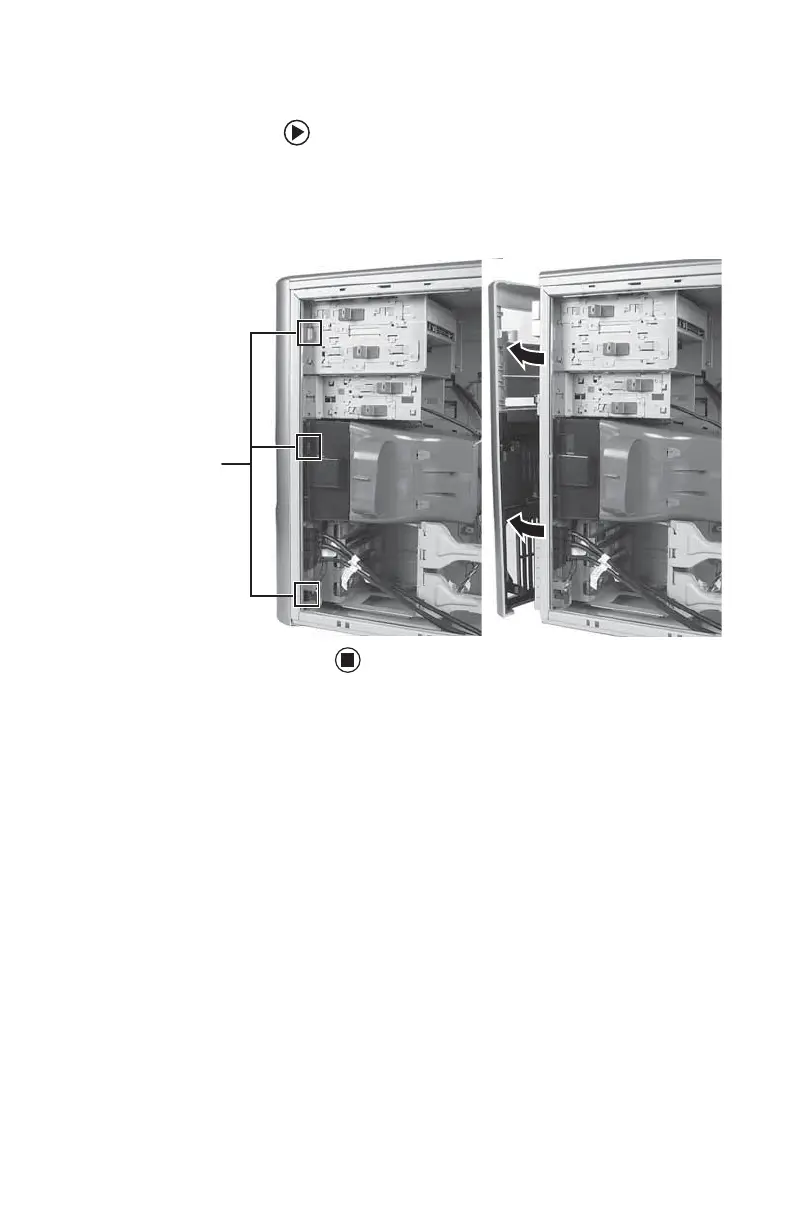
To remove the front bezel:
■ Push on the three spring tabs, grasp the
right side of the front bezel, then pull the
bezel out and away from the case.
Spring tabs
8511781.book Page 53 Tuesday, October 10, 2006 4:41 PM



 To Next Page