Replacing the I/O board
75
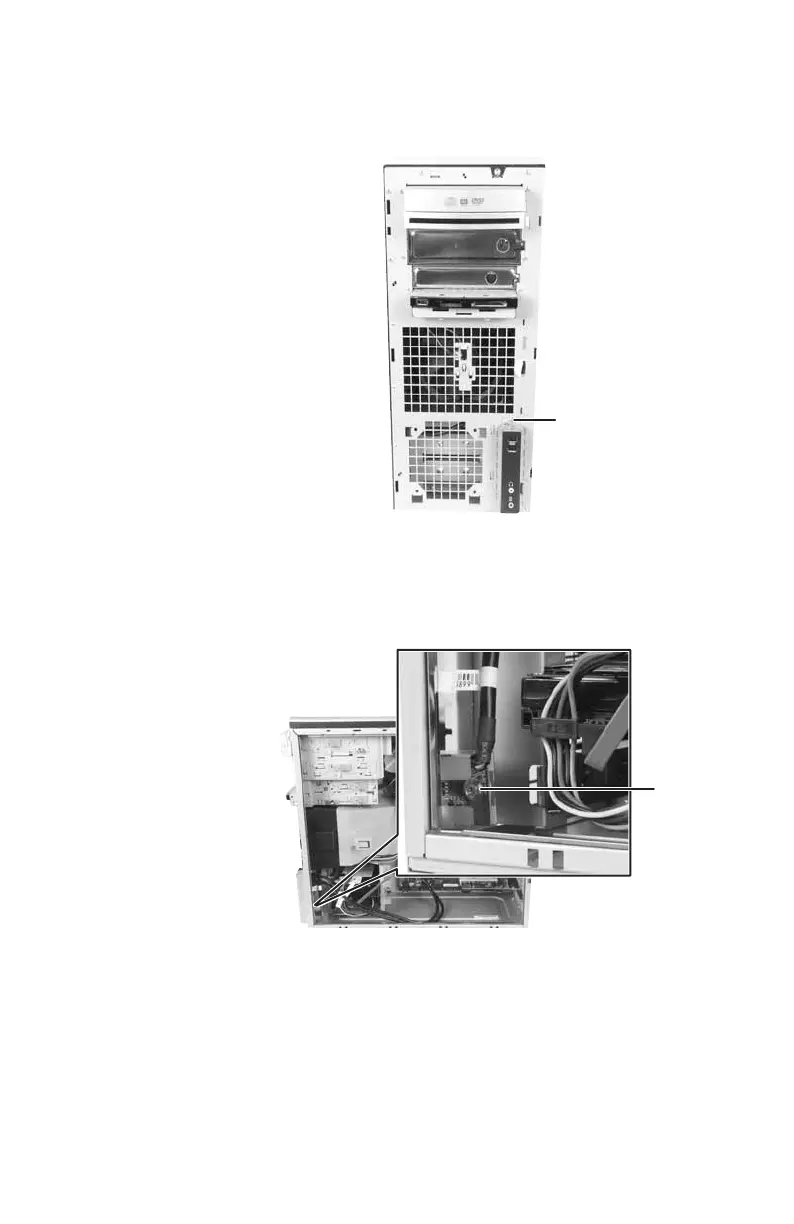
3 Remove the screw that secures the front
I/O assembly to the computer, then
remove the I/O assembly.
4 Remove the screw that secures the front
I/O panel board to the computer, then
remove the I/O panel board by pushing it
toward the back of the computer.
5 Disconnect the cable from the old I/O
panel board and connect it to the new I/O
panel board.
6 Insert the new I/O panel board into the
computer, then replace the screw.
Screw
Screw
8511781.book Page 75 Tuesday, October 10, 2006 4:41 PM



 To Next Page