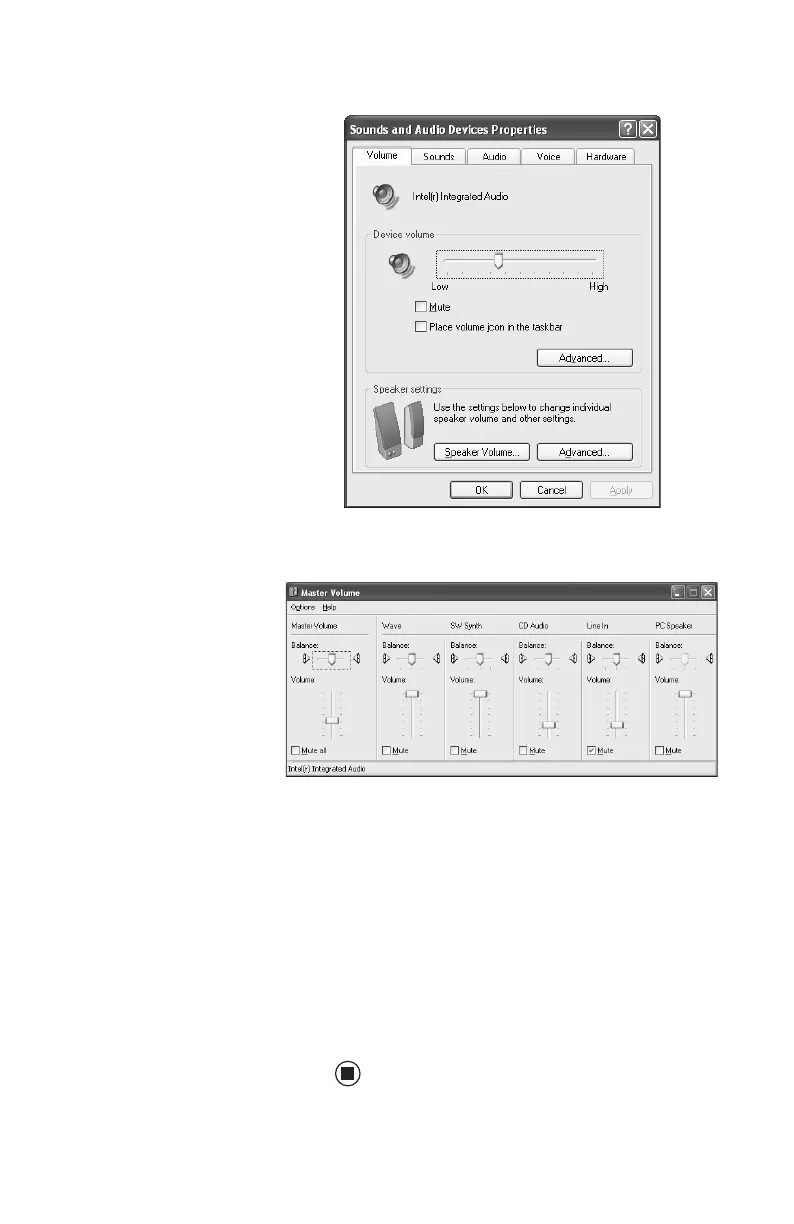
Adjusting the volume
25
3 Click the Volume tab.
4 Click Advanced in the Device volume area.
If the device you want to adjust does not
appear in the window, click
Options,
Properties, the check box next to the audio
device you want to adjust, then click OK.
5 Drag the volume level and balance sliders
for the device you want to adjust. For more
information about the volume controls,
click
Help in the window.
6 Click X in the top-right corner of the
window to close it.
8511781.book Page 25 Tuesday, October 10, 2006 4:41 PM



 To Next Page