CHAPTER 4: Advanced Hardware Setup
34
www.gateway.com
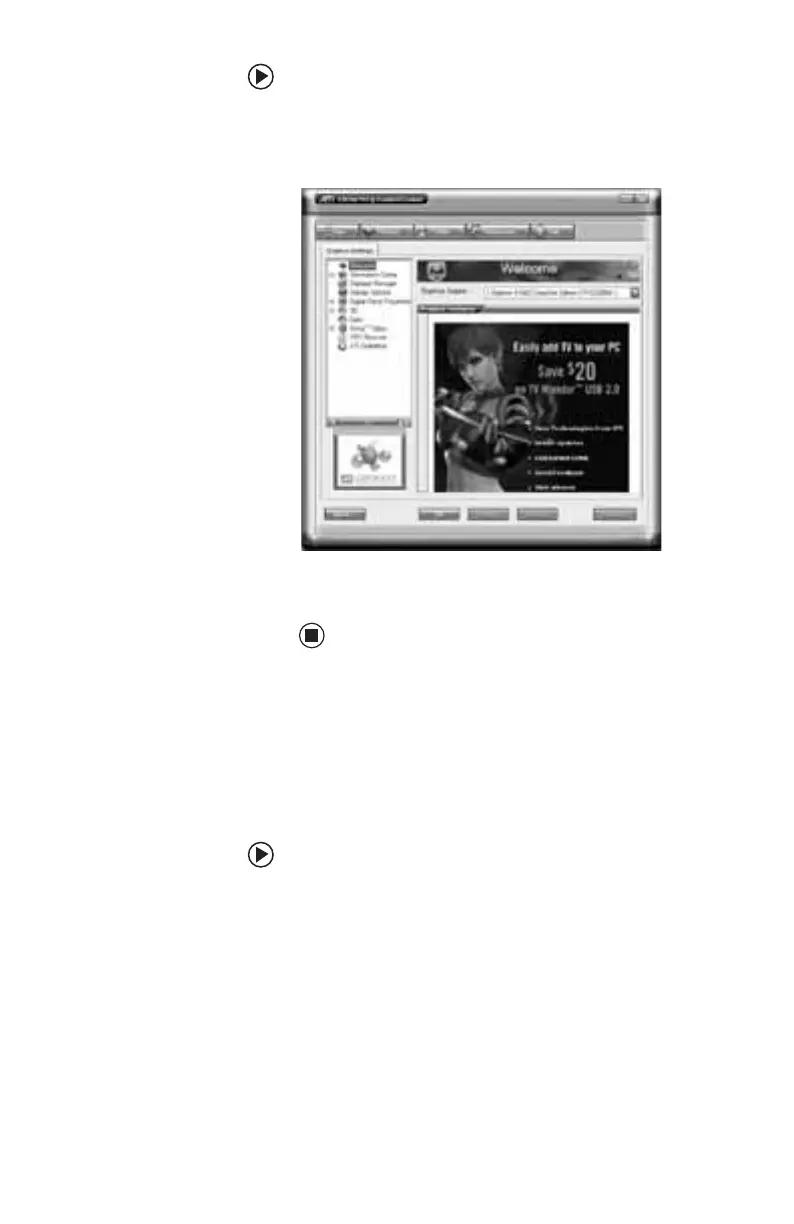
To configure your CrossFire video cards:
1 Click Start, All Programs, ATI Catalyst
Control Center, then ATI Catalyst Control
Center. The Control Center opens.
2 Change the settings you want, then click
OK.
Connecting multiple displays to your CrossFire
video cards
When CrossFire is disabled and the interconnect
cable is not attached (when both cards are
acting as standard video cards), you can attach
up to four displays to the video cards.
To use multiple displays on the CrossFire video
cards:
1 Turn off your computer, then connect the
displays to the appropriate ports on your
video cards.
2 Turn on your computer.
3 Click Start, All Programs, ATI Catalyst
Control Center, then ATI Catalyst Control
Center. The Control Center opens.
4 Click View to switch to Advanced View.
8511781.book Page 34 Tuesday, October 10, 2006 4:41 PM



 To Next Page