CHAPTER 5: Upgrading Your Computer
80
www.gateway.com
4
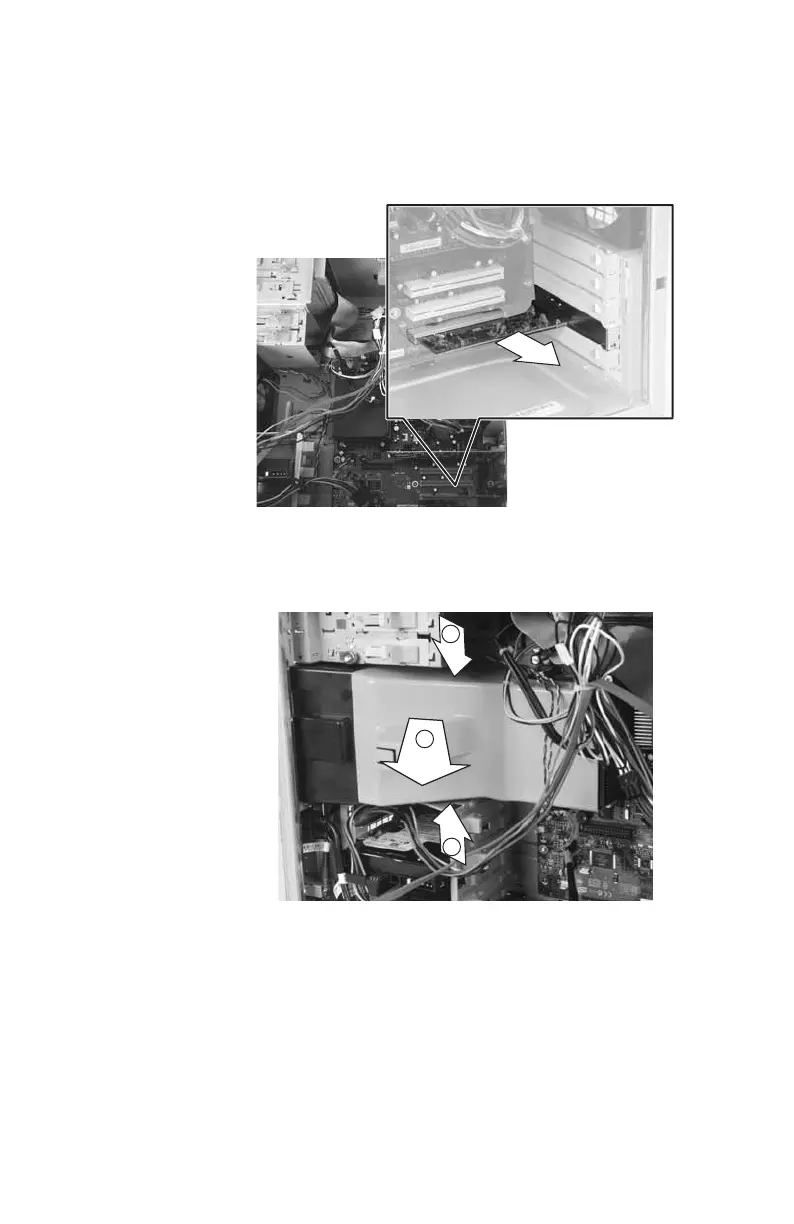
Remove the expansion cards by following
the instructions in “Adding or replacing an
expansion card” on page 76. You can
slightly seesaw a card end-to-end to loosen
it, but do not bend a card sideways.
5 Remove the fan cover by squeezing the
top (1) and bottom (1), then pulling the
cover (2) out.
1
1
2
8511781.book Page 80 Tuesday, October 10, 2006 4:41 PM



 To Next Page