Instructions for SW400DC
www.gatexpertstore.com
5.7.3 Advanced Menu Instruction
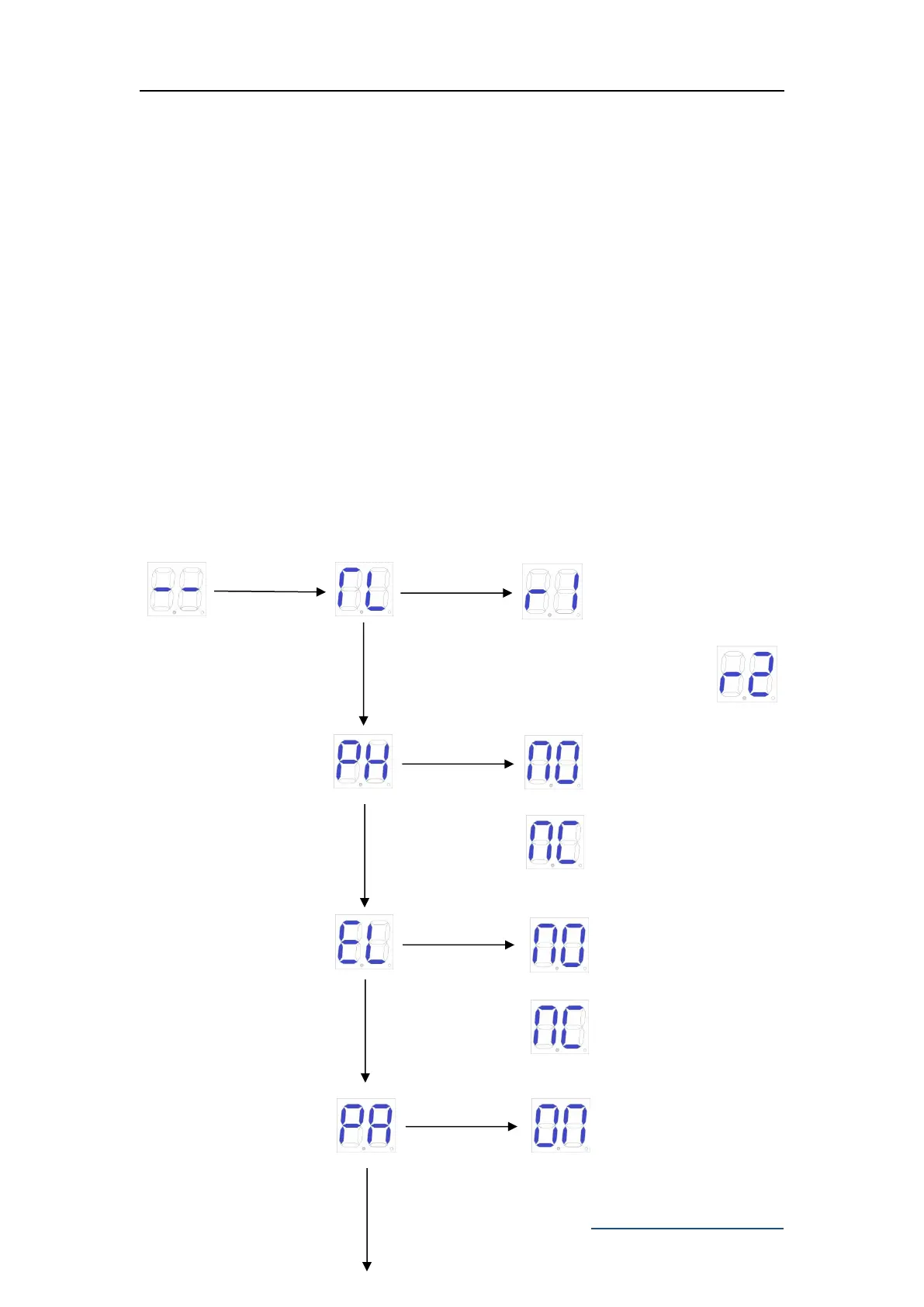
Long press "PROG" 2 seconds to enter into advanced menu.
Digital Screen shows “TL”, press “+”(up) or “-”(down) to select;
Short press “SET” to confirm or to enter into sub-menu.
Short press “PROG” to exit.
If no command for one minute, the menu will automatically exit.
Advanced Menu
Electric lock
normally off



 To Next Page