Instructions for SW400DC
www.gatexpertstore.com
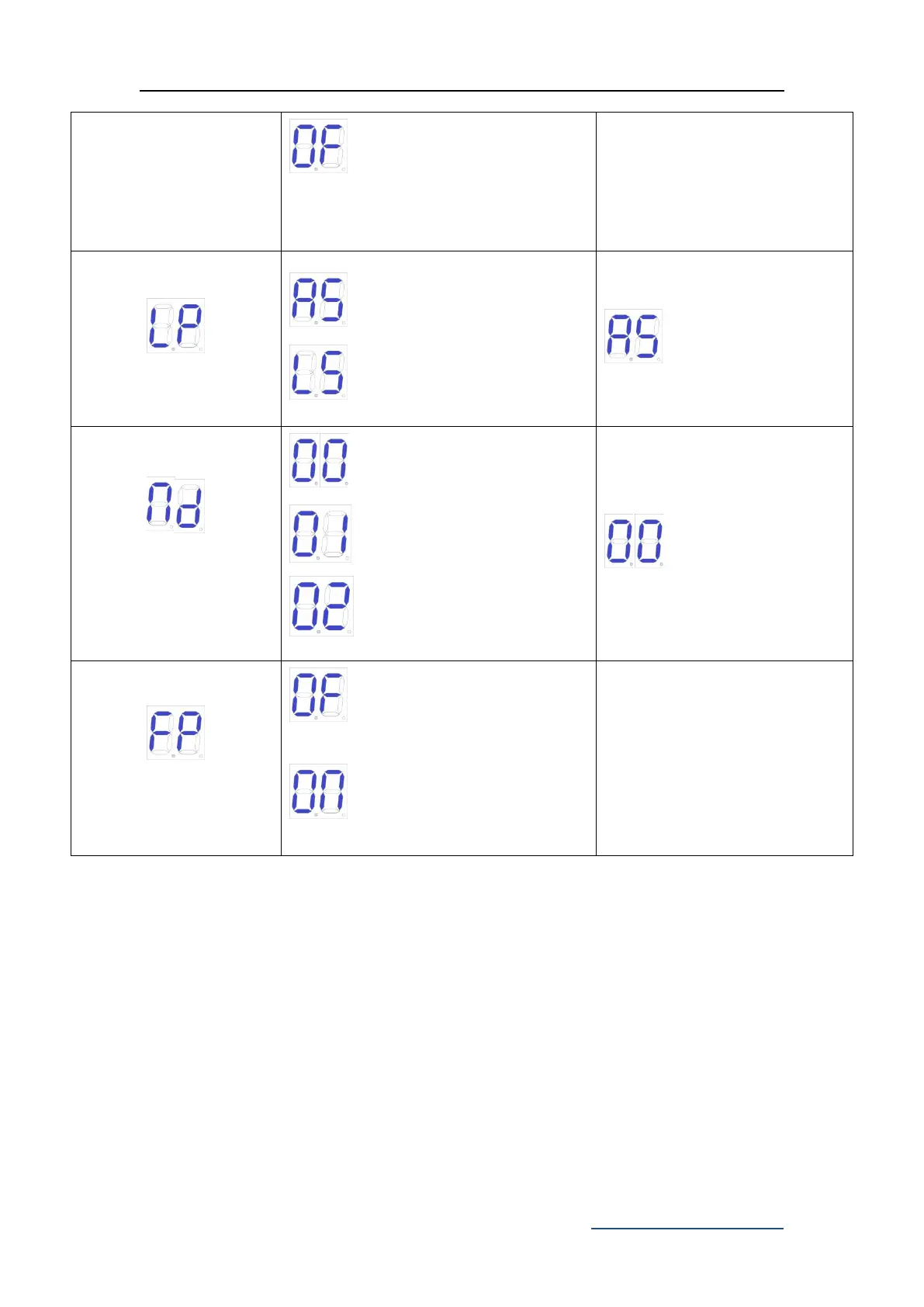
Low consumption mode off.
Stop block.(Default)
Hall sensor.
SW400DC.(Default)
SW300DC.
SW200DC.
Cancel factory default
setting.
Factory default setting
completes.
6. Others
6.1 Maintenance
Check whether the gate operates normally every month.
For the sake of safety, each gate is suggested to be equipped with infrared protector,
and regular inspection is required as well.
Before installation and operation of the gate opener, please read all instructions
carefully.
We reserve the right to change the instruction without prior notice.



 To Next Page