2.3.3 Re-install Sure Cuts A Lot Software
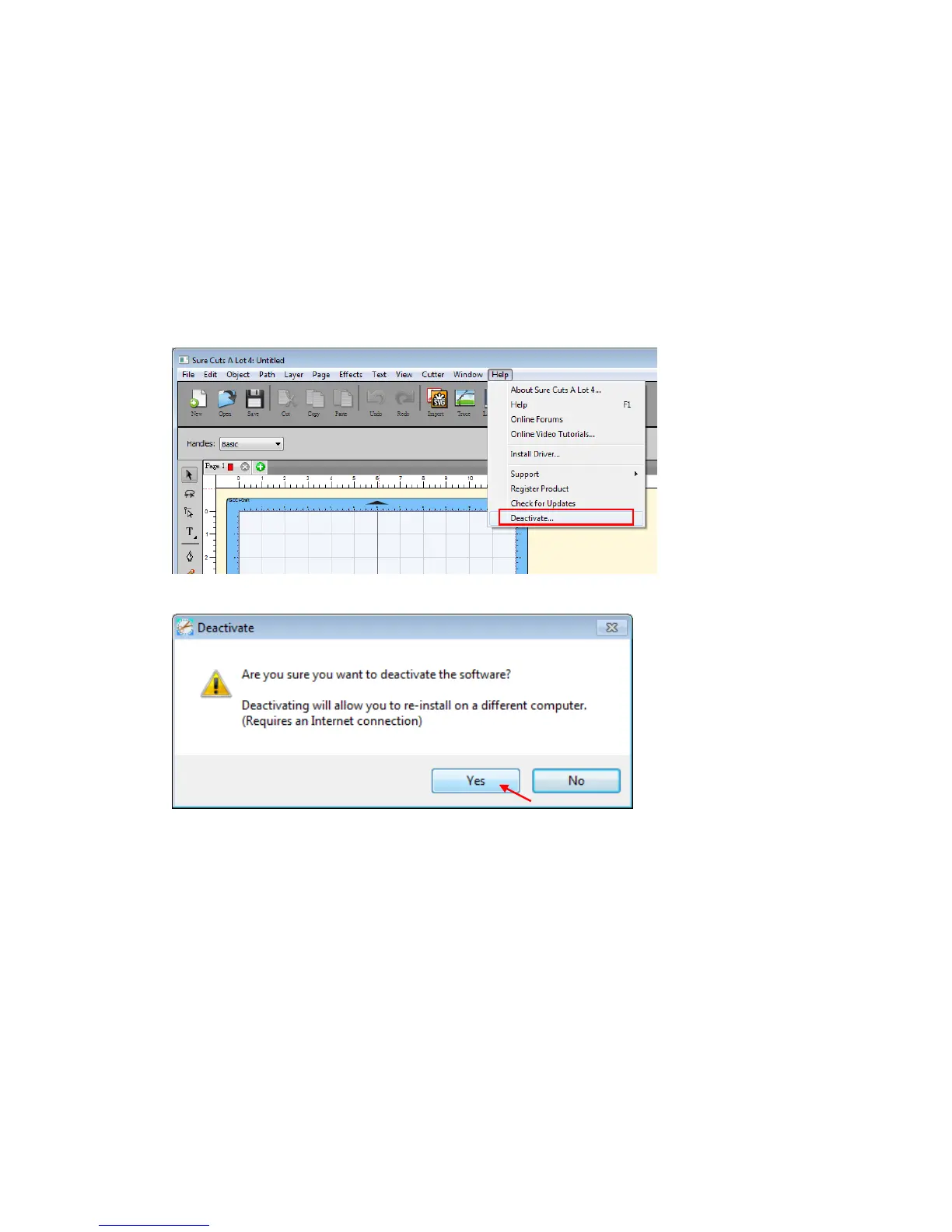
If you change a new computer, you may need to deactivate your Sure Cuts A
Lot software and re-install it on your new device.
Go to “Deactivate…” under Help and press Yes to confirm, then follow the
installation procedure and use the same code to activate it on another
computer.
2.3.4 How to Reset Sure Cuts A Lot License If PC Format
How to reset Sure Cuts A Lot license if your PC format without deactivate flow?
Follow the following steps, and you should be able to use Sure Cuts A Lot
again.



 To Next Page