4. Driver Installation and Operation
The scrapbook cutter communicates with a computer through a USB
(Universal Serial Bus). This chapter shows you how to connect the
scrapbook cutter to a host computer with your familiar graphic design software
such as CorelDRAW, and Adobe Illustrator via GCC driver, and illustrate how
to set up the computer and scrapbook cutter interconnection.
4.1 Driver Installation
Step 1 Connect to the machine.
1. Turn on the machine.
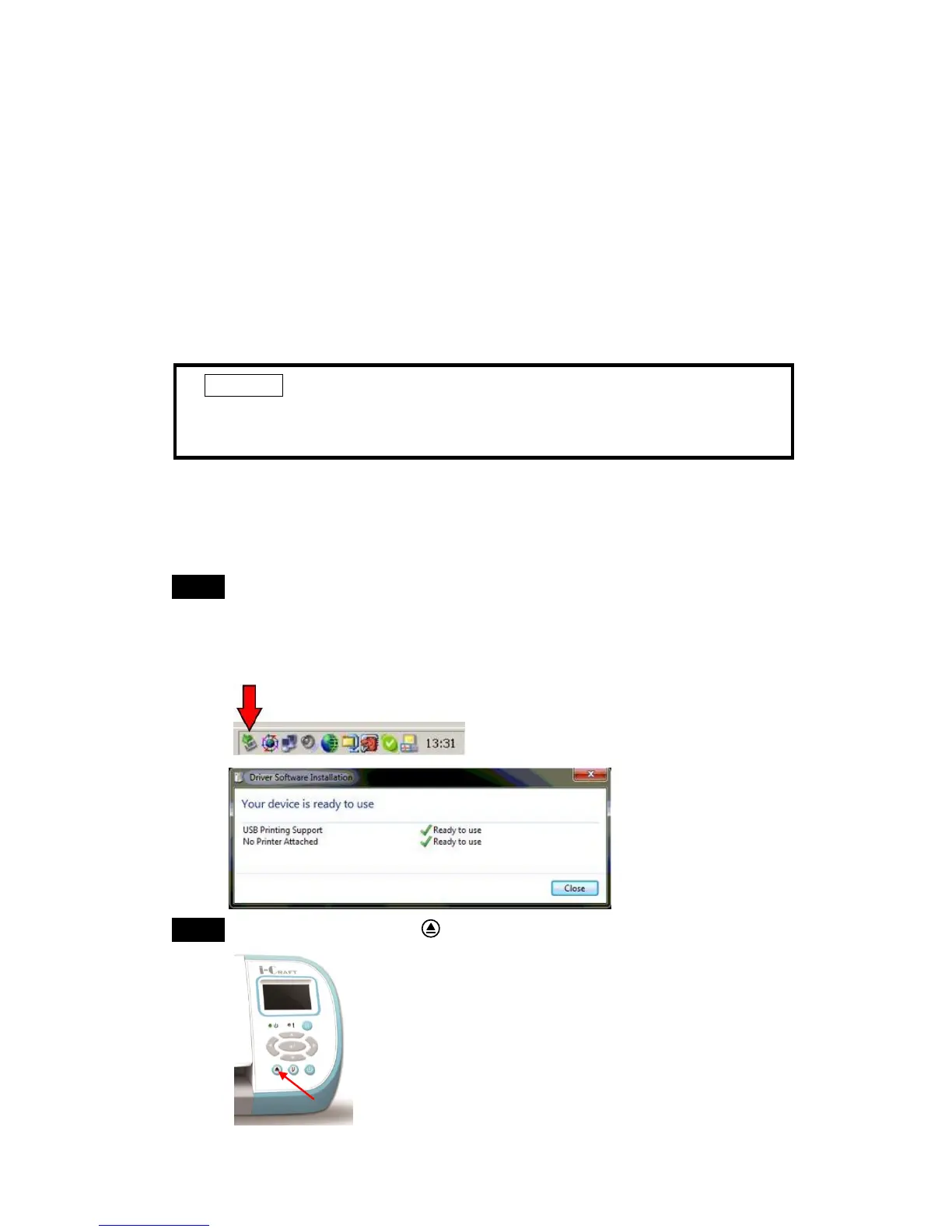
2. Connect the USB cable to the machine, and double-click on the USB
icon on the taskbar to make sure the USB device is detected.
Step 2 Press Feed/ Eject button to be ready for driver installation.
Caution!!
If you are using Windows 8/ 7/ Vista/ XP/ 2000 as your operating
system, make sure you log in using the “Administrator” account.



 To Next Page