3.3.8 Scan2Cut
You can scan or photograph of the existing images you like and then cut
around the shapes with this function.
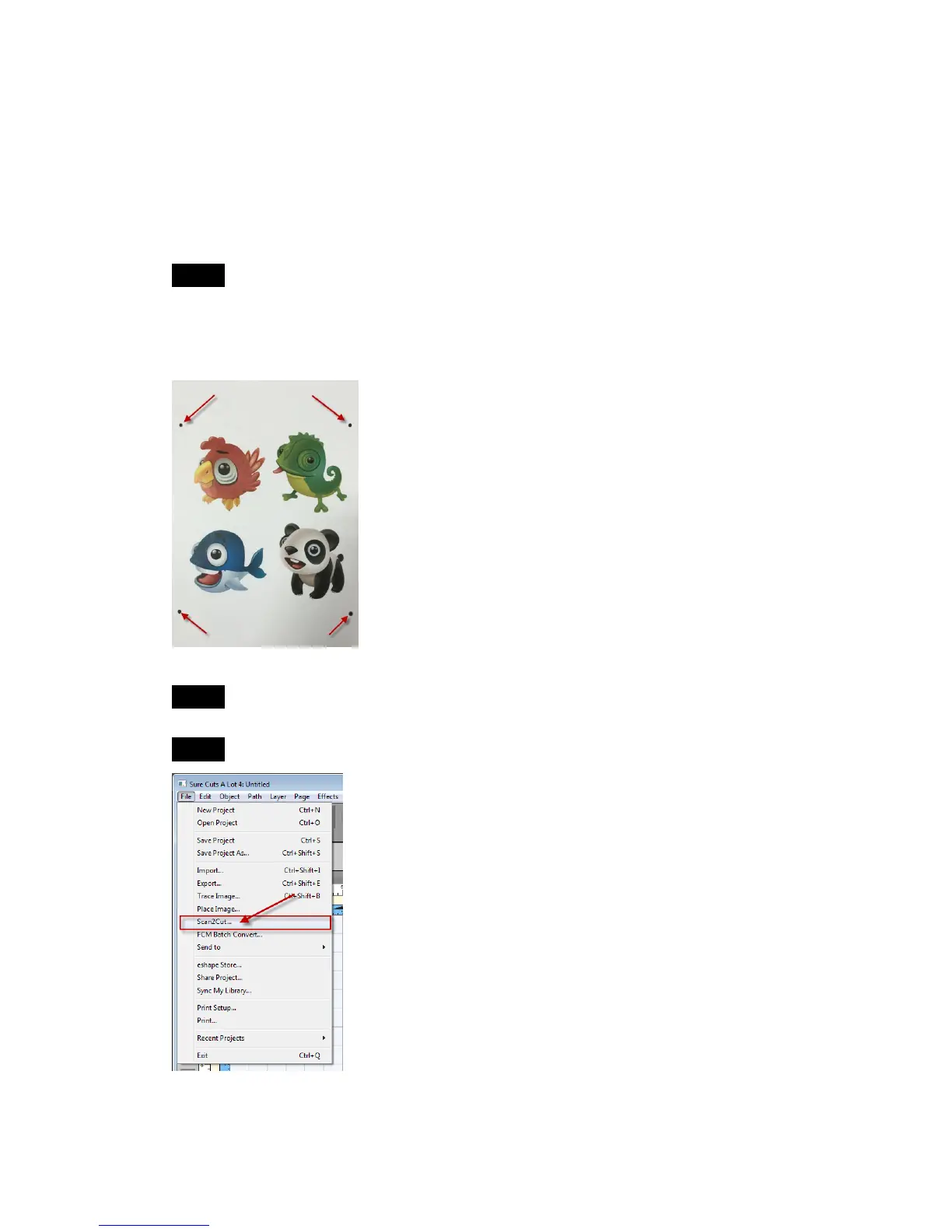
Step 1 Use a pen to make 4 small marks around the image you want to cut
which will be used as the registration marks to align the laser to when we are
going to cut it out. Each mark should designate a corner of an imaginary box
around the image you want to cut.
Step 2 Capture the image using your scanner or digital camera.
Step 3 Select Scan2Cut under File.



 To Next Page