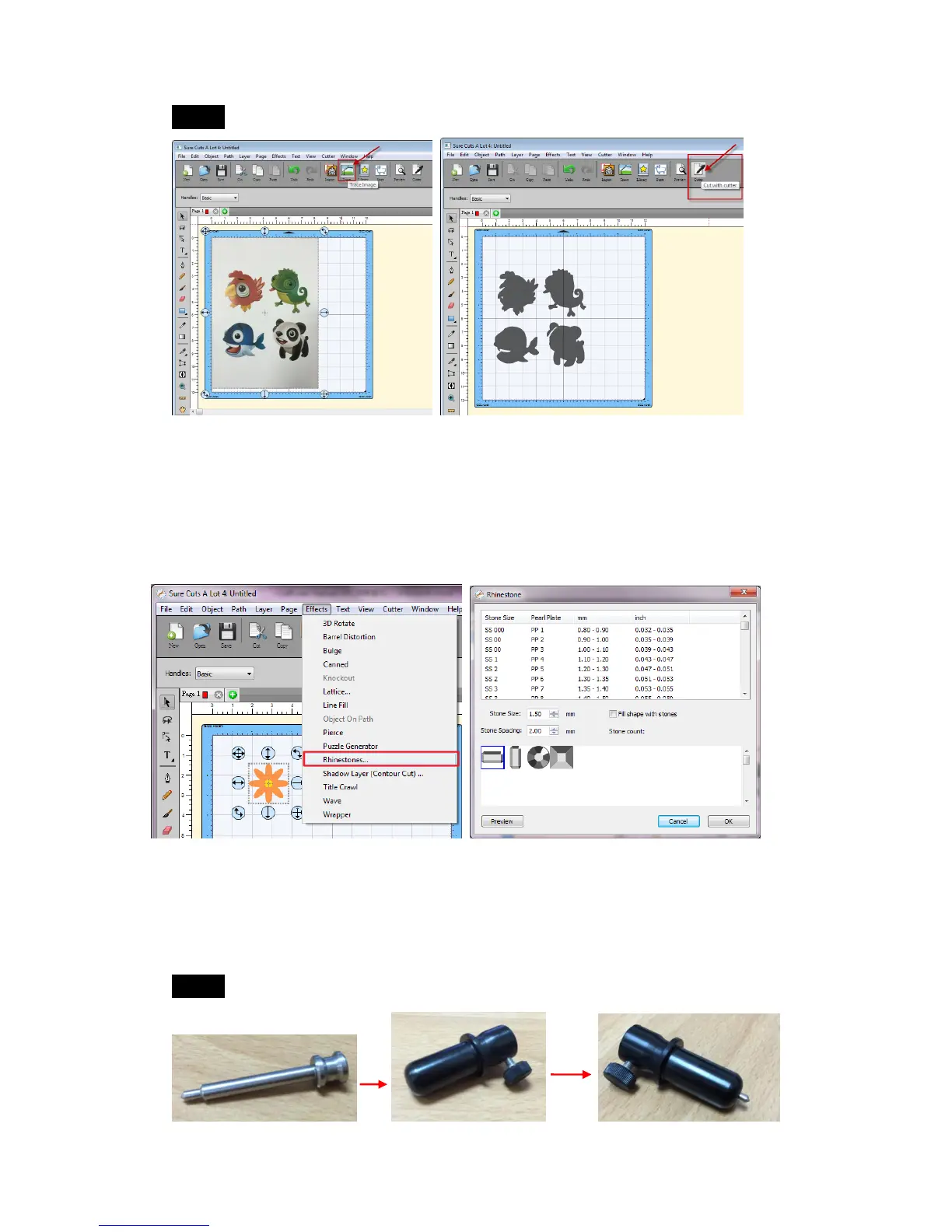
Step 6 Trace image and cut. (section 3.3.5)
3.3.9 Rhinestones
"Sure Cuts A Lot" can create rhinestone templates. You will need to select an
object on the mat, and then choose "Rhinestones" from under the "Effect"
menu to bring up the Rhinestone window shown below.
3.3.10 Engraving Tip Applications (Optional Items)
If you buy Engraving Tip Set, please refer the instruction below.
Step 1 Put the engraving tip into the tool holder.



 To Next Page