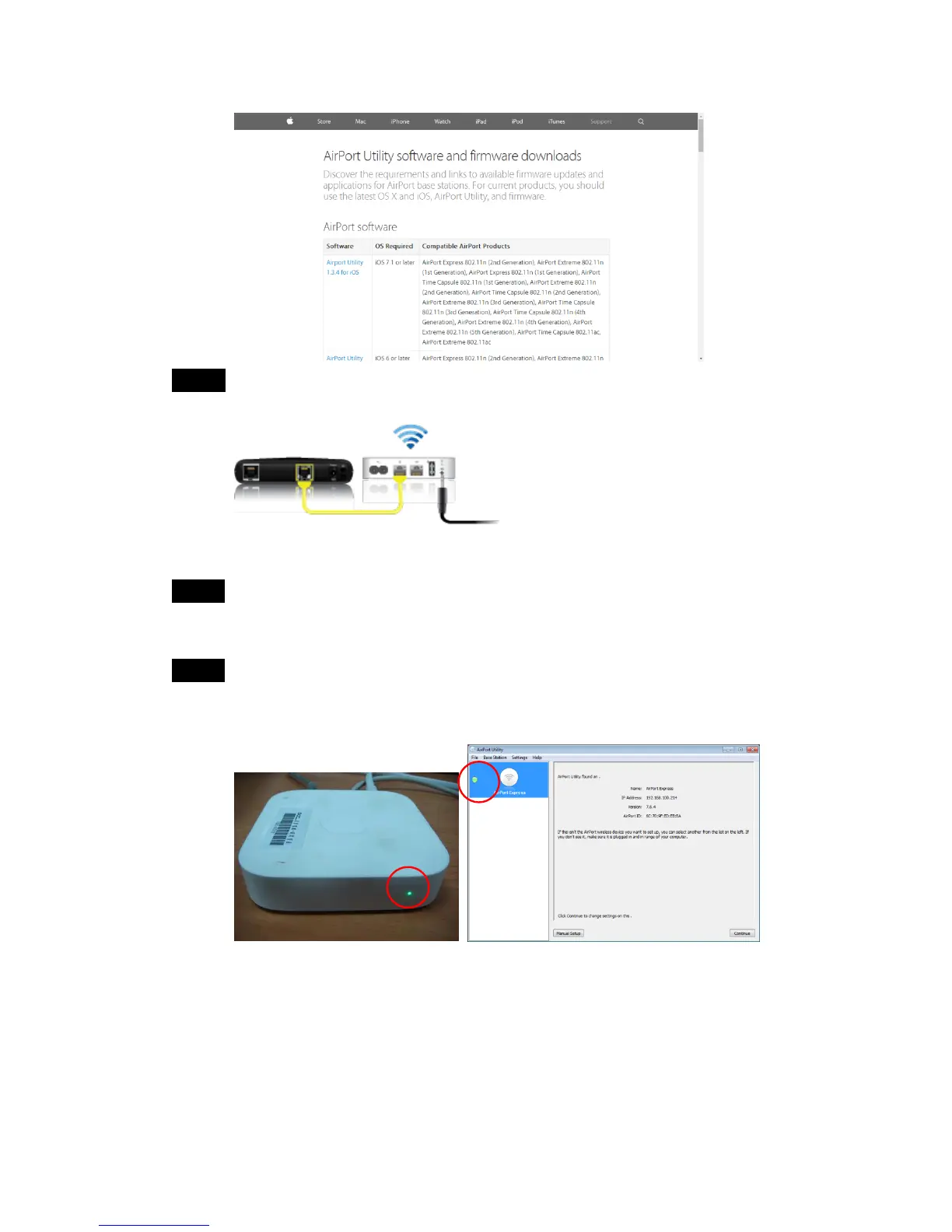
Step 2 Connect your DSL or cable modem to your AirPort Express using the
WAN Ethernet port.
(The source of picture: Apple website)
Step 3 Use AirPort Utility to create a new network. Please refer to the manual
of AirPort Express
TM
.
Step 4 After finishing network setting, the light of AirPort Exress
TM
and AirPort
Utility setting window will turn green from orange. The network work
successfully.



 To Next Page