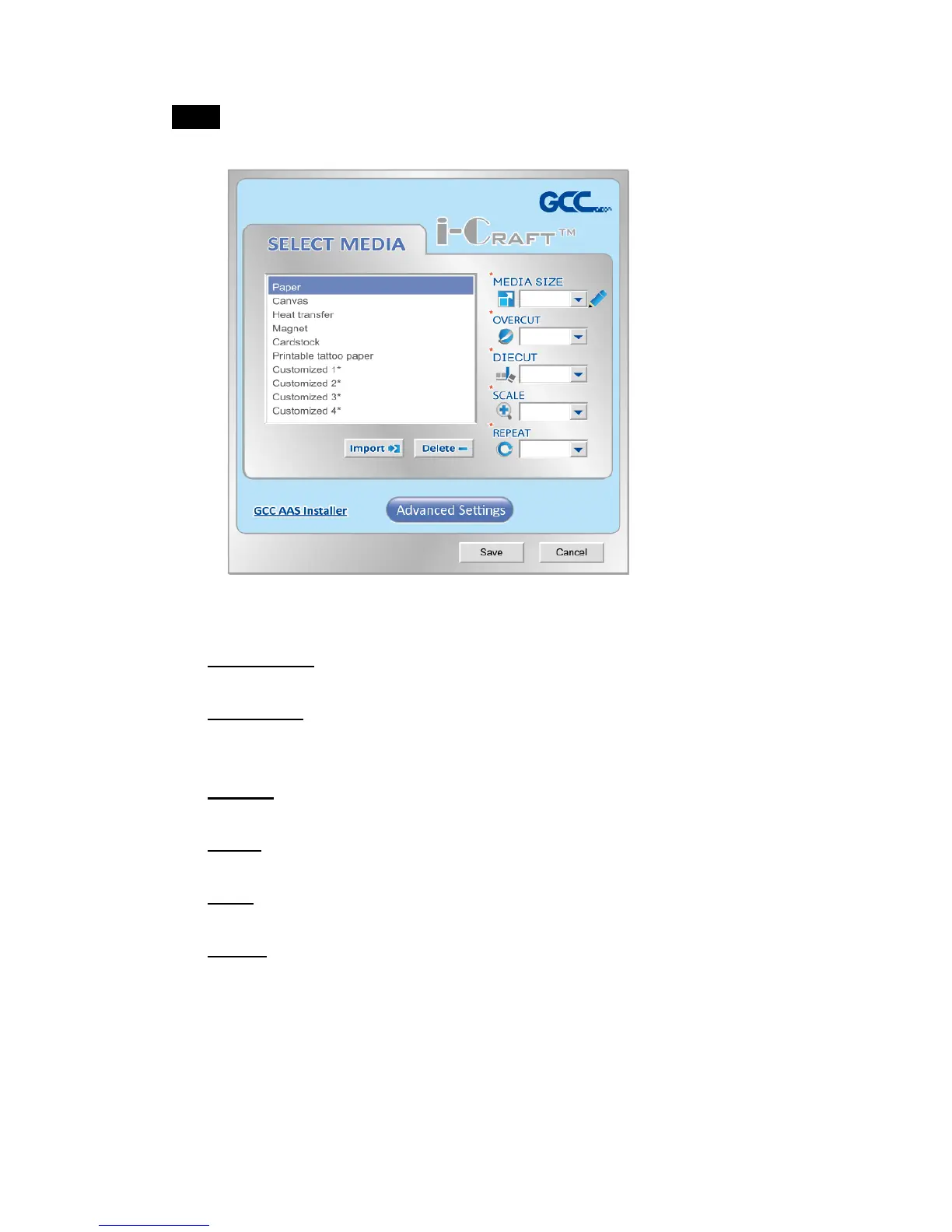
Step3 Select media and advanced setting to set cutting parameters. You can
save, import, and delete the parameters if you want.
Select Media: Click on the material that is used.
Media Size: Select a proper size or you may click on the pencil to
edit the media size you need.
Overcut: Use the drop down menu to turn on/off the function.
Diecut: Use the drop down menu to turn on/off the function.
Scale: Set a proper value to adjust the ratio of a graphic.
Repeat: Set a proper value to adjust the number of copies of a
graphic.



 To Next Page