CHAPTER 12: FLICKER AND ANALYSIS EN50160/IEC61000-4-30 POWER QUALITY COMPLIANCE ANALYSIS (EPM 9650 OPTION B)
EPM 9450/9650 ADVANCED POWER QUALITY METERING SYSTEM – INSTRUCTION MANUAL 12–13
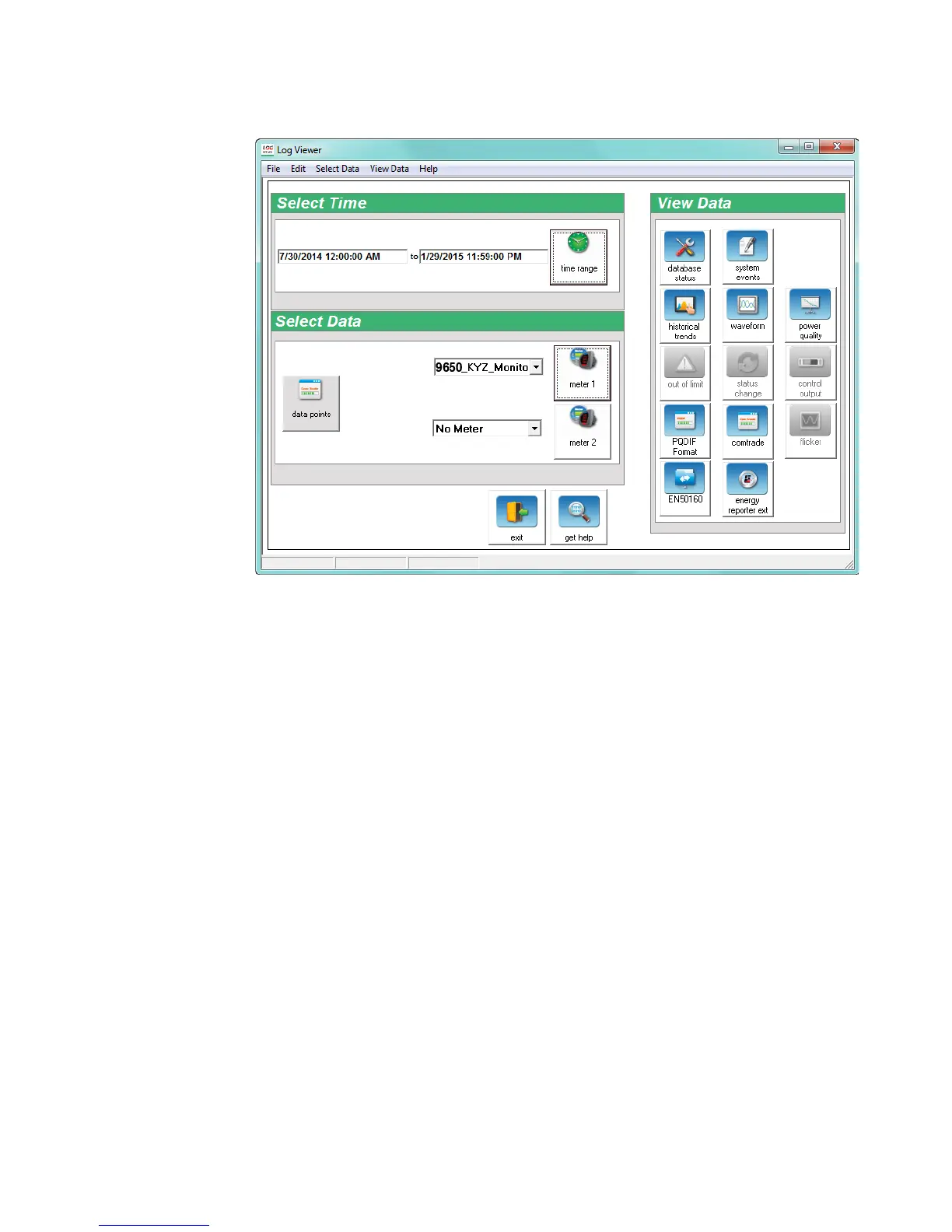
6. The Log Viewer opens.
7. Your meter is displayed next to Meter 1. If you want to view EN 50160/IEC
61000-4-30 information for a specific time range, e.g., for the last month only,
click the Time Range button and select the range you want. See the GE
Communicator Instruction Manual for detailed instructions on setting time
range and other aspects of the Log Viewer.


 To Next Page
 Loading...