CHAPTER 3: INTERFACES SOFTWARE SETUP
345 TRANSFORMER PROTECTION SYSTEM – INSTRUCTION MANUAL 3–15
If you are going to communicate from your computer to the 345 Relay using the USB
port:
10. Plug the USB cable into the USB port on the 345 Relay then into the USB port on your
computer.
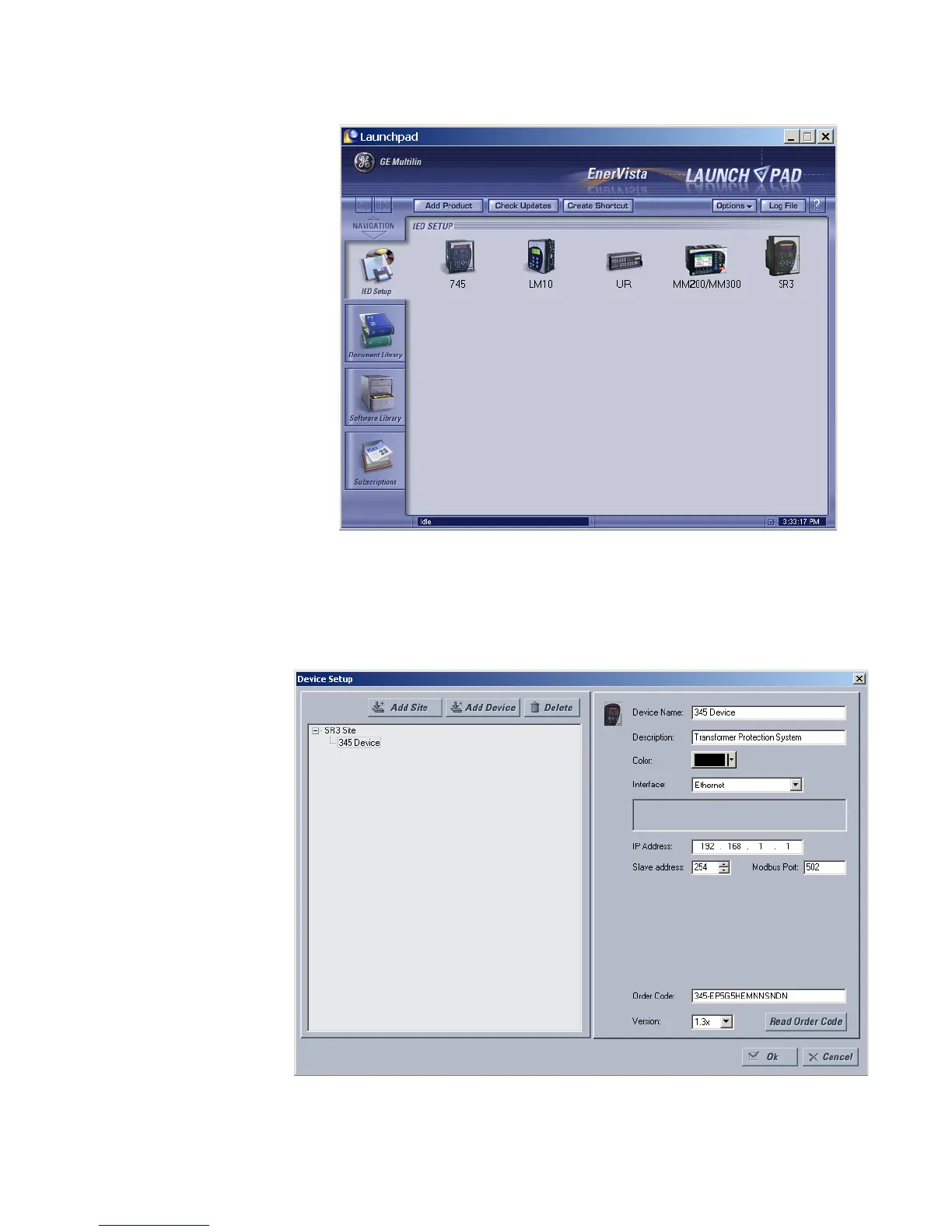
11. Launch EnerVista 3 Series Setup from LaunchPad.
12. In EnerVista > Device Setup:
13. Select USB as the Interface type.
14. Select 345 Relay as the USB device.



 To Next Page