CHAPTER 3: INTERFACES SOFTWARE SETUP
345 TRANSFORMER PROTECTION SYSTEM – INSTRUCTION MANUAL 3–33
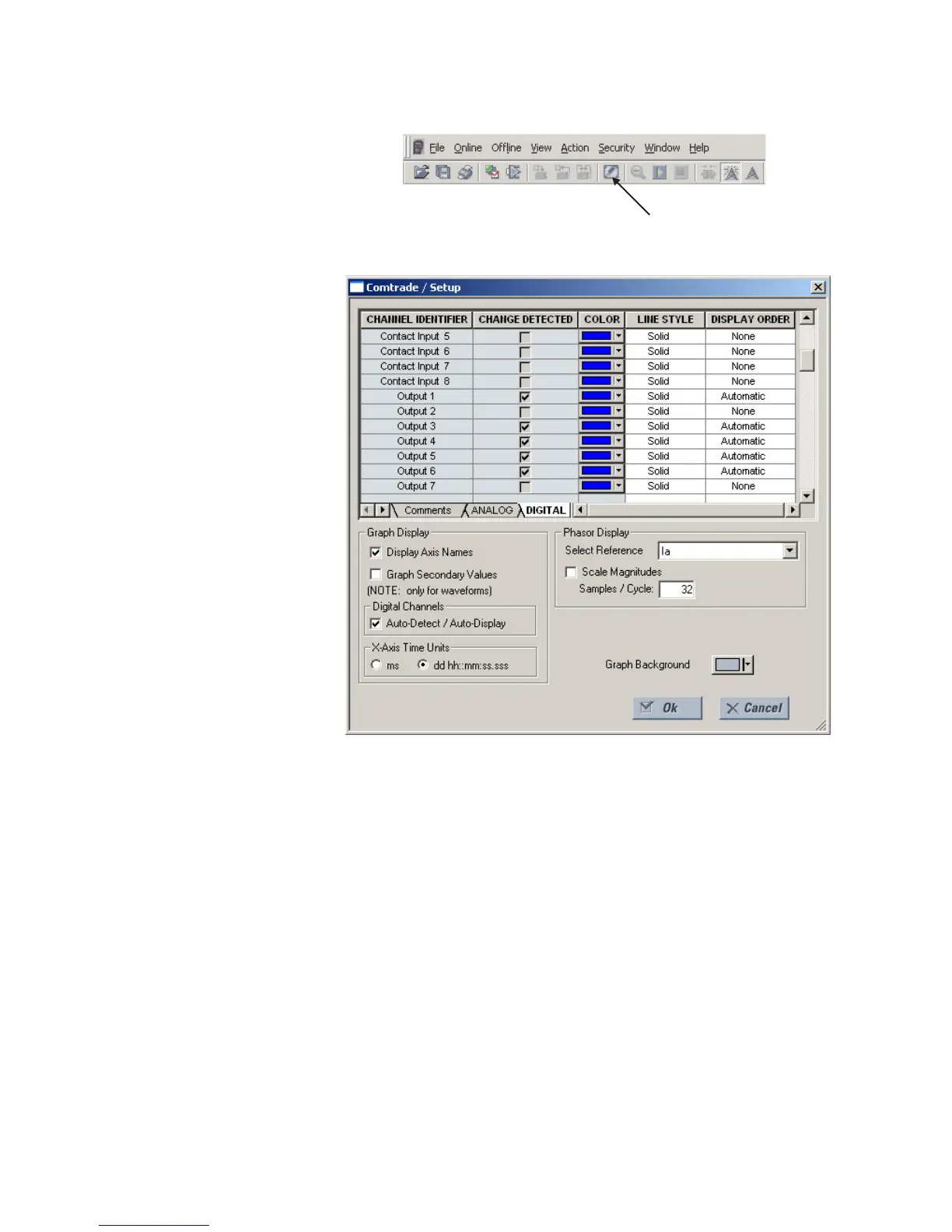
The following window will appear:
Change the color of each graph as desired, and select other options as required, by
checking the appropriate boxes. Click OK to store these graph attributes, and to close the
window. The Waveform Capture window will reappear based on the selected graph
attributes.
To view a vector graph of the quantities contained in the waveform capture, press the
Vector Display button to display the following window:



 To Next Page