8-20 8 SERIES PROTECTIVE RELAY PLATFORM – COMMUNICATIONS GUIDE
THE IEC 61850 CONFIGURATOR CHAPTER 8: IEC 61850
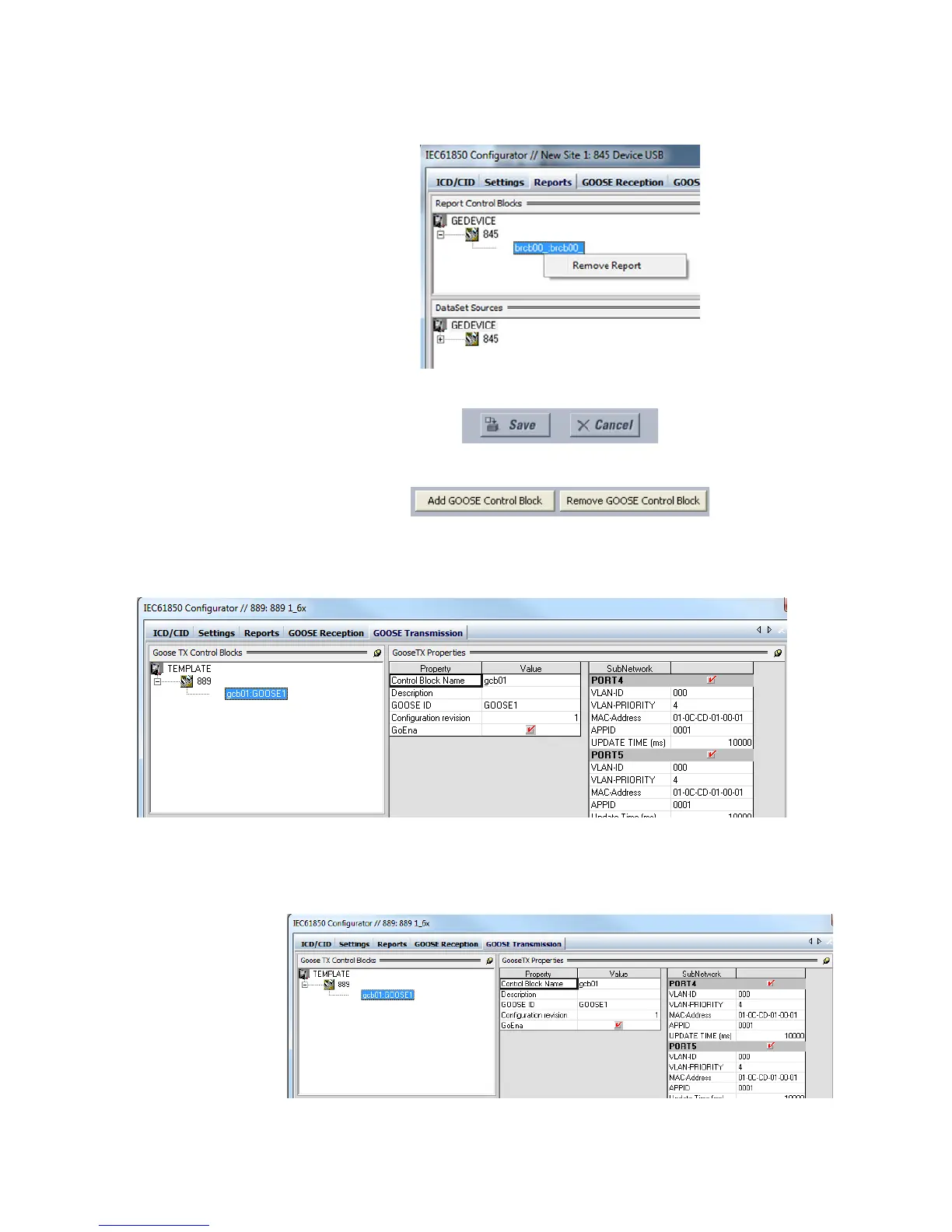
Note that the Goose control block can also be deleted by right clicking on the
configured existing report.
• Save button and Cancel button: Click the Save button to save all configured settings.
Click the Cancel button to discard the modifications just made to the configuration.
Add GOOSE Transmission Control Block
1. Click on the “Add GOOSE Control Block” button.
2. The Tx GOOSE control block is added under GEDevice>889 (or your relay model
number) tree node with a default Control block name.
Figure 8-14: Goose TX Control Blocks
Goose Tx Properties
The properties section can be viewed on selecting any configured GOOSE block available
under GEDevice >889
(or your relay model number).
Figure 8-15: Goose TX Properties Screen



 To Next Page