4-20 F35 Multiple Feeder Protection System GE Multilin
4.3 FACEPLATE INTERFACE 4 HUMAN INTERFACES
4
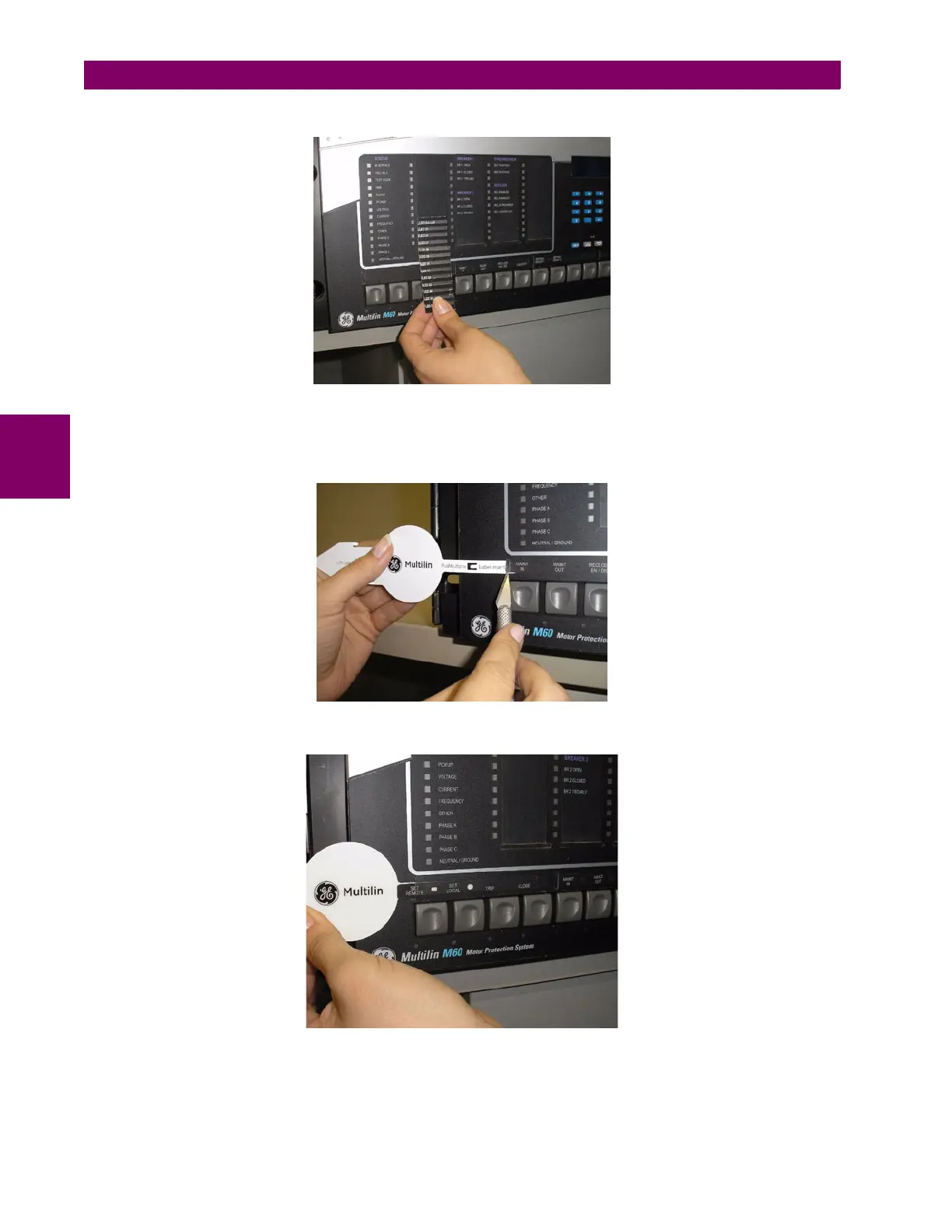
4. Slide the new LED label inside the pocket until the text is properly aligned with the LEDs, as shown below.
The following procedure describes how to remove the user-programmable pushbutton labels from the F35 enhanced front
panel and insert the custom labels.
1. Use the knife to lift the pushbutton label and slide the tail of the label tool underneath, as shown below. Make sure the
bent tab is pointing away from the relay.
2. Slide the label tool under the user-programmable pushbutton label until the tabs snap out as shown below. This will
attach the label tool to the user-programmable pushbutton label.



 To Next Page