GE Multilin F35 Multiple Feeder Protection System 4-21
4 HUMAN INTERFACES 4.3 FACEPLATE INTERFACE
4
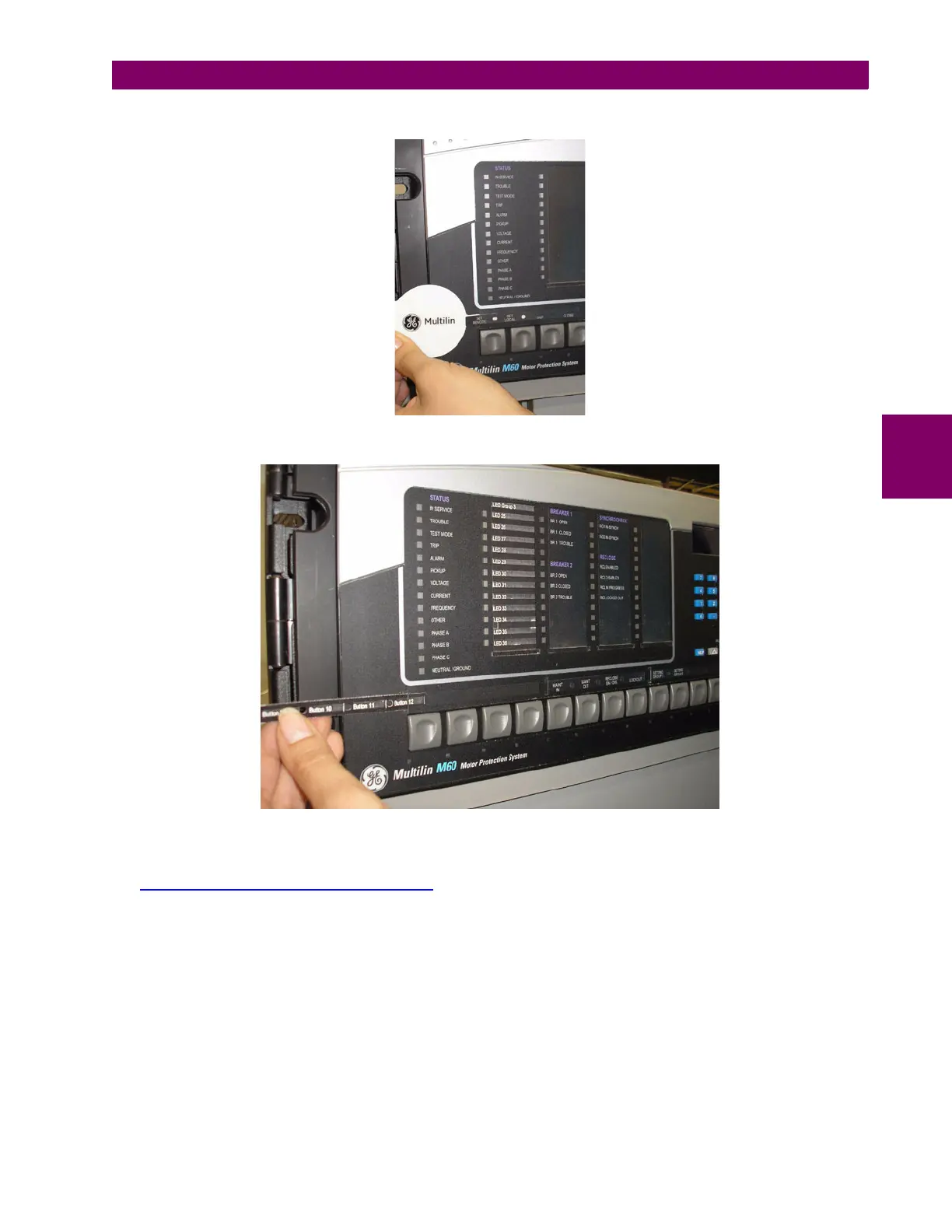
3. Remove the tool and attached user-programmable pushbutton label as shown below.
4. Slide the new user-programmable pushbutton label inside the pocket until the text is properly aligned with the buttons,
as shown below.
b) STANDARD FACEPLATE
Custom labeling of an LED-only panel is facilitated through a Microsoft Word file available from the following URL:
http://www.GEindustrial.com/multilin/support/ur/
This file provides templates and instructions for creating appropriate labeling for the LED panel. The following procedures
are contained in the downloadable file. The panel templates provide relative LED locations and located example text (x)
edit boxes. The following procedure demonstrates how to install/uninstall the custom panel labeling.



 To Next Page