3-44 F35 Multiple Feeder Protection System GE Multilin
3.4 MANAGED ETHERNET SWITCH MODULES 3 HARDWARE
3
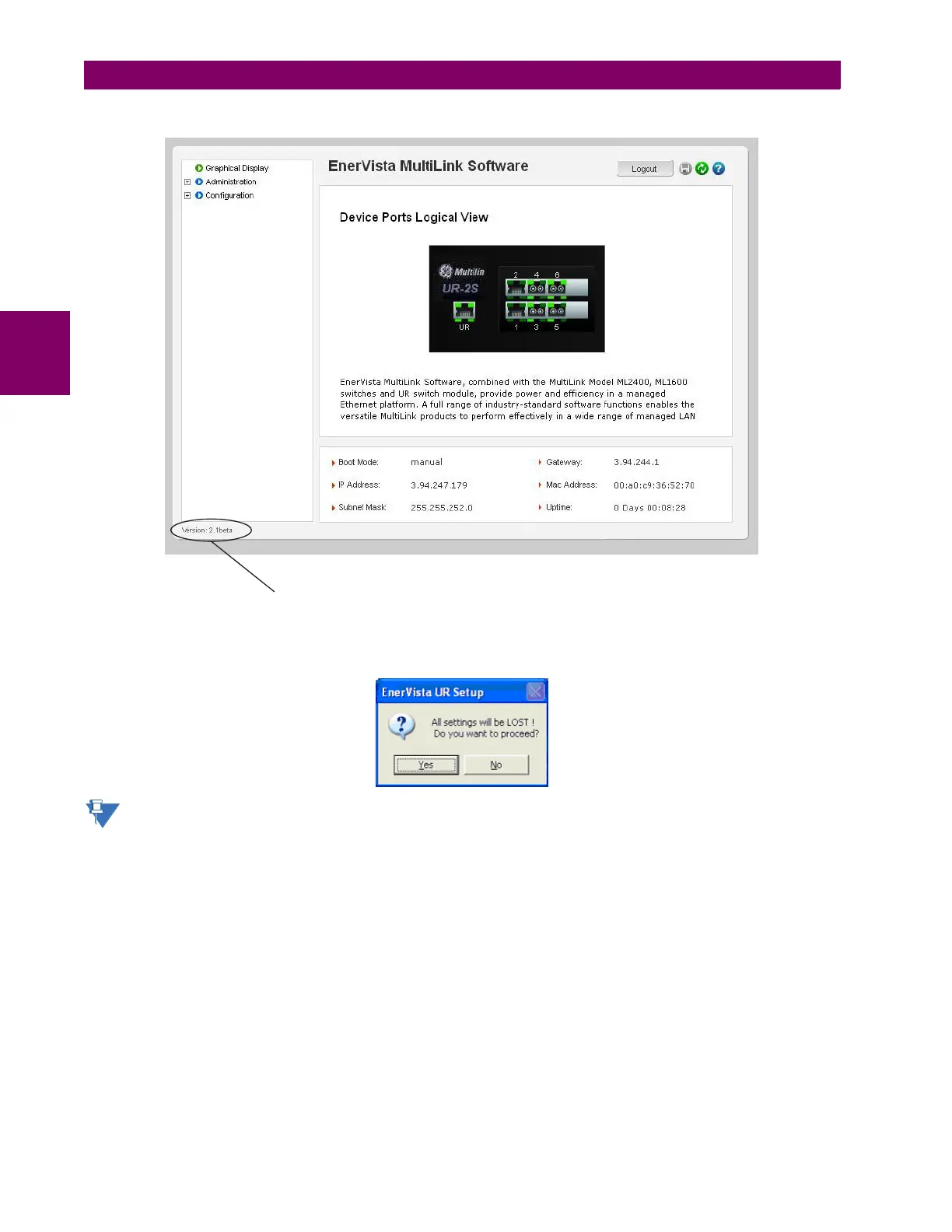
The firmware version installed on the switch will appear on the lower left corner of the screen.
2. Using the EnerVista UR Setup program, select the Settings > Product Setup > Communications > Ethernet Switch
> Firmware Upload menu item.
The following popup screen will appear warning that the settings will be lost when the firmware is upgraded.
It is highly recommended that you save the switch settings before upgrading the firmware.
3. After saving the settings file, proceed with the firmware upload by selecting Yes to the above warning.
Another window will open, asking you to point to the location of the firmware file to be uploaded.
Version: 2.1 beta
842869A1.CDR



 To Next Page