GE Multilin F35 Multiple Feeder Protection System 3-45
3 HARDWARE 3.4 MANAGED ETHERNET SWITCH MODULES
3
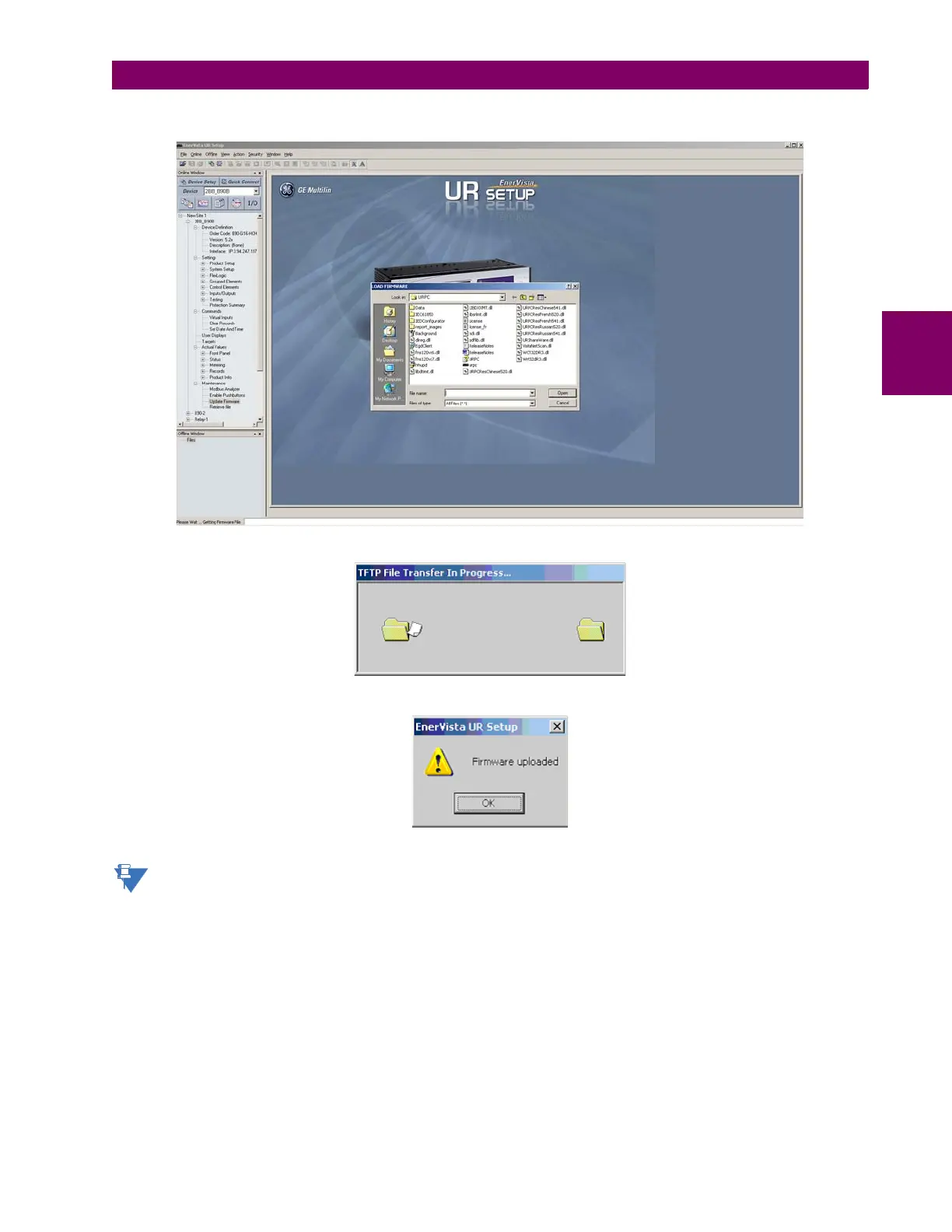
4. Select the firmware file to be loaded on to the Switch, and select the Open option.
The following window will pop up, indicating that the firmware file transfer is in progress.
If the firmware load was successful, the following window will appear:
Note
The switch will automatically reboot after a successful firmware file transfer.
5. Once the firmware has been successfully uploaded to the switch module, load the settings file using the procedure
described earlier.



 To Next Page