EasyManua.ls Logo

GE 29269 - Page 11

GE 29269
96 pages
Print Icon
To Next Page IconTo Next Page
To Previous Page IconTo Previous Page
Loading...
11
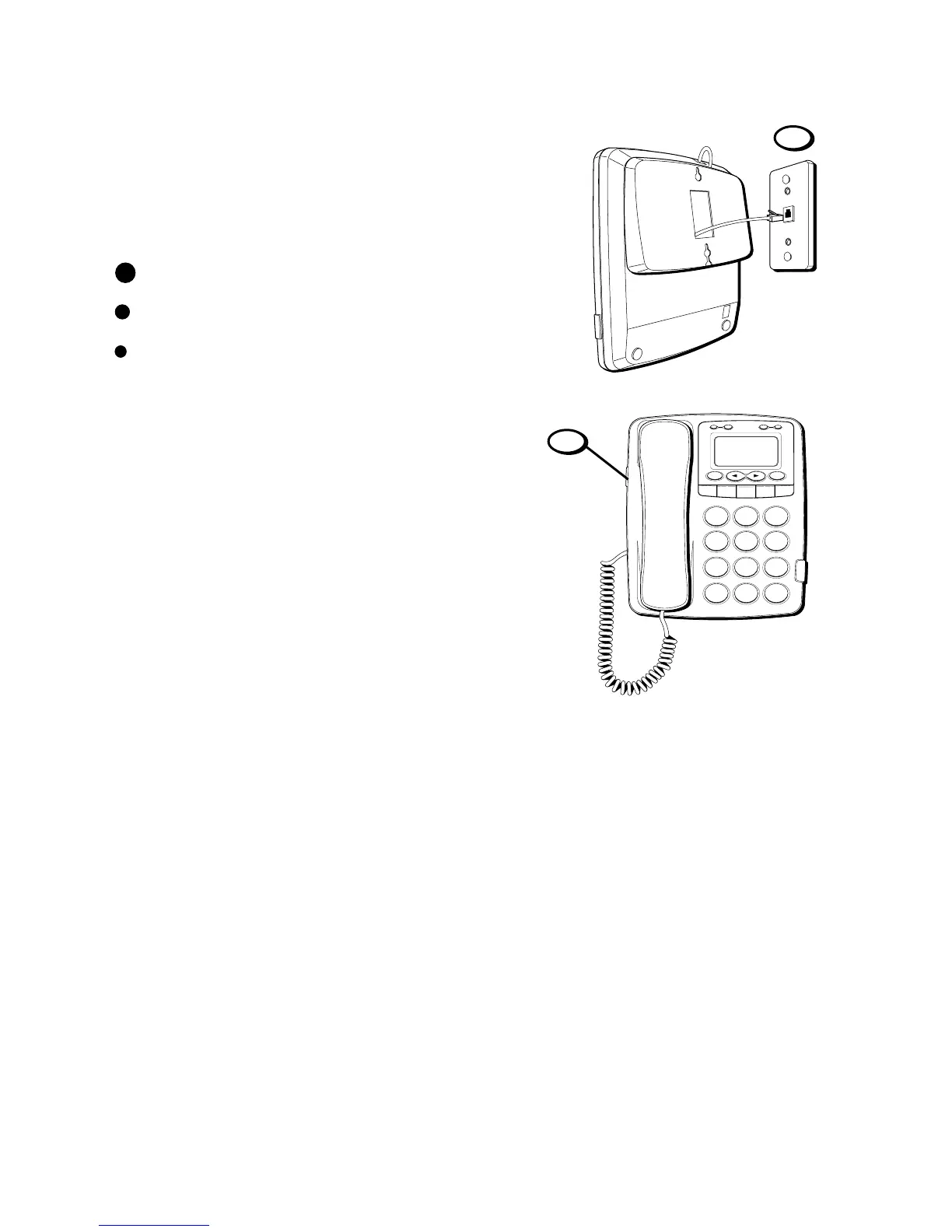
5. Slip the mounting holes over the wall
plate posts and slide the unit down
firmly into place.
6. Set the RINGER switch on the left side of
the base to the desired loudness.
HI = Default setting, loudest sound.
= Sound will be lower
= Sound will be the lowest.
OFF = Telephone will not ring.
5
H
I • •
• O
F
F
R
IN
G
E
R
C
O
N
T
R
A
S
T
V
IP
O
P
TIO
N
S
ST
O
R
E
E
R
A
S
E
D
IA
L
R
E
D
IA
L
A
B
C
FLA
S
H
Q
U
IC
K
D
IA
L
A
B
C
2
D
E
F
3
1
J
K
L
5
M
N
O
6
G
H
I
4
T
U
V
8
W
X
Y
Z
9
P
Q
R
S
7
O
P
E
R
0
#
T
O
N
E
*
6

Table of Contents

Related product manuals