24
IF YOU DID NOT PROGRAM YOUR
LOCAL AREA CODE OR REGIONAL AREA
CODE IN THE SETUP MENU
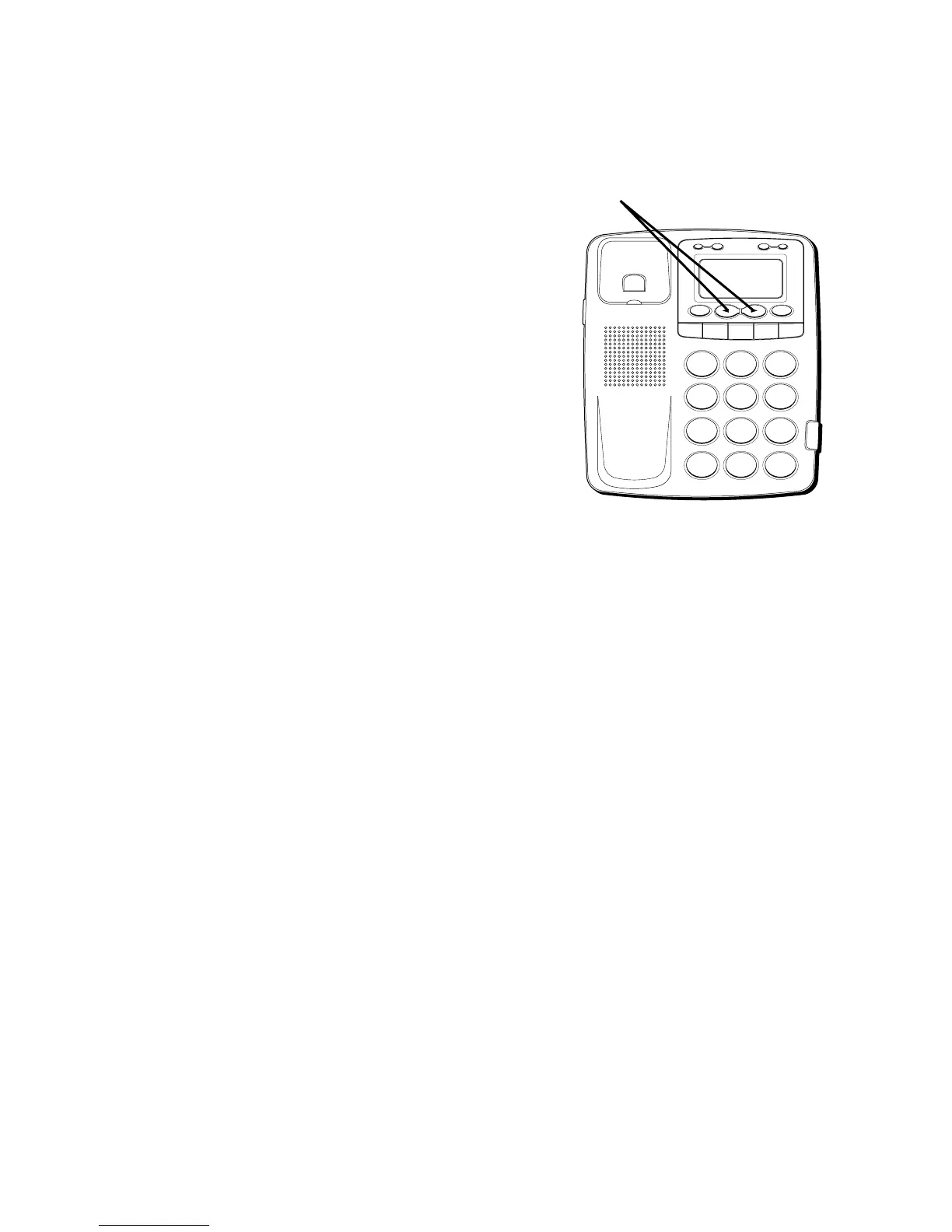
1. Use the REVIEW
(
OR
)
buttons to
display the number you want to dial. You
will only see 10-digit numbers (i.e. 234-
555-1234).
2. See steps 2 through 4 in the previous
section to complete the dialback
sequence.
VERY IMPORTANT PERSON
(VIP)
You can designate 20 call records as VIP.
The VIP records reduce the total number of
records for the unit, which is a maximum of
75.
H
I •
•
•
O
F
F
R
IN
G
E
R
C
O
N
TR
A
S
T
V
IP
O
PT
IO
N
S
TO
RE
E
R
A
SE
D
IA
L
RE
D
IA
L
A
B
C
F
LA
S
H
Q
U
IC
K D
IA
L
A
B
C
2
D
E
F
3
1
J
K
L
5
M
N
O
6
G
H
I
4
T
U
V
8
W
X
Y
Z
9
P
Q
R
S
7
O
P
E
R
0
#
T
O
N
E
*
REVIEW buttons



 To Next Page