31
MEMORY
Before you store any telephone number
into memory, make sure the dial mode is
correct for the type of telephone you’re
using. The default dial mode is tone (touch-
tone), so if you have pulse (rotary) service,
you must first change the dial mode. See
“To Set the Dial Mode.”
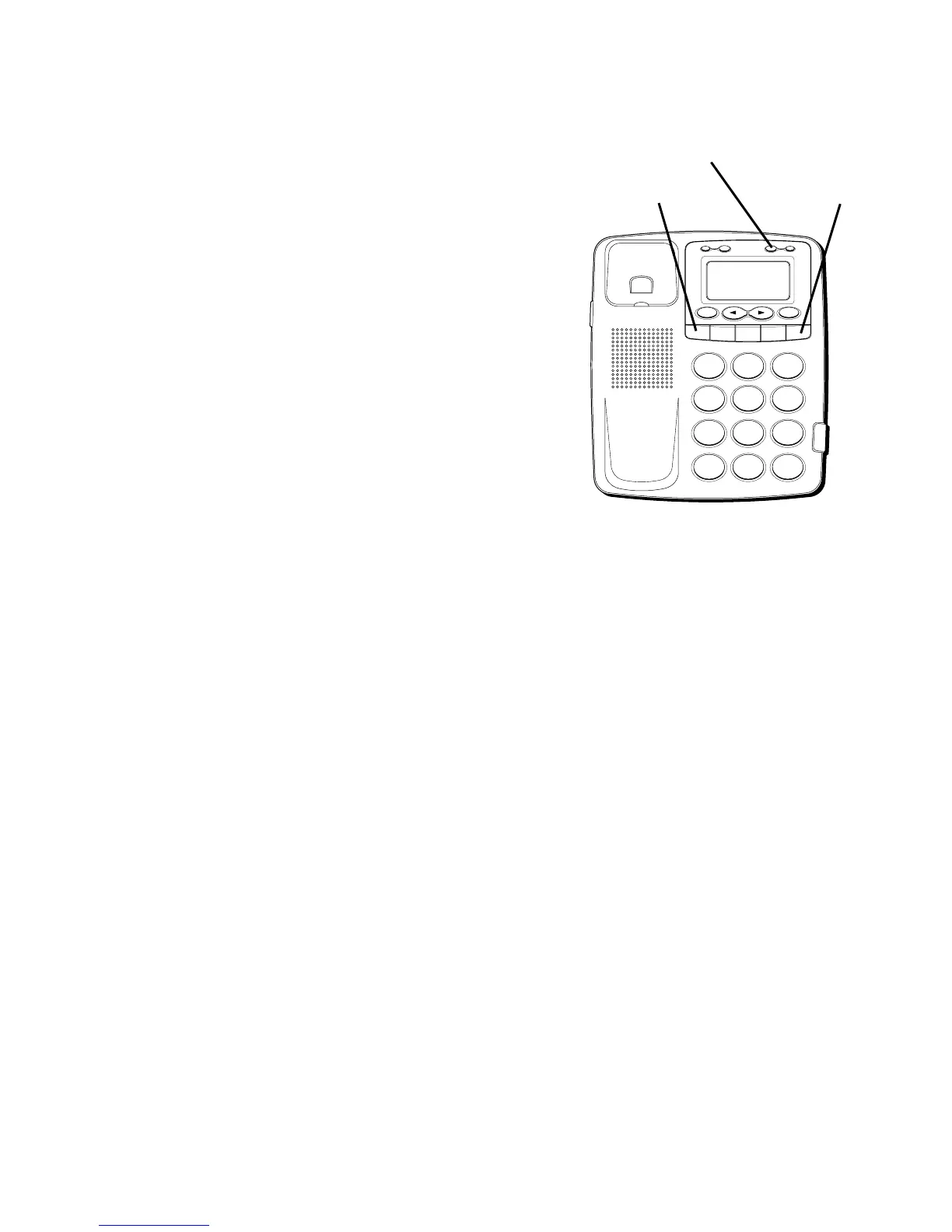
The following buttons can be stored into
any memory location: 0-9, *, # and PAUSE
(REDIAL). See “Storing a Pause in
Memory” and “Temporary Tone Dialing”.
H
I •
•
•
O
F
F
R
IN
G
E
R
C
O
N
TR
A
S
T
V
IP
O
PT
IO
N
S
TO
R
E
E
R
A
S
E
D
IA
L
R
ED
IA
L
A
B
C
F
LA
S
H
Q
U
IC
K
D
IA
L
A
B
C
2
D
E
F
3
1
J
K
L
5
M
N
O
6
G
H
I
4
T
U
V
8
W
X
Y
Z
9
P
Q
R
S
7
O
P
E
R
0
#
T
O
N
E
*
REDIAL/PAUSE
button
FLASH button
STORE button



 To Next Page