29
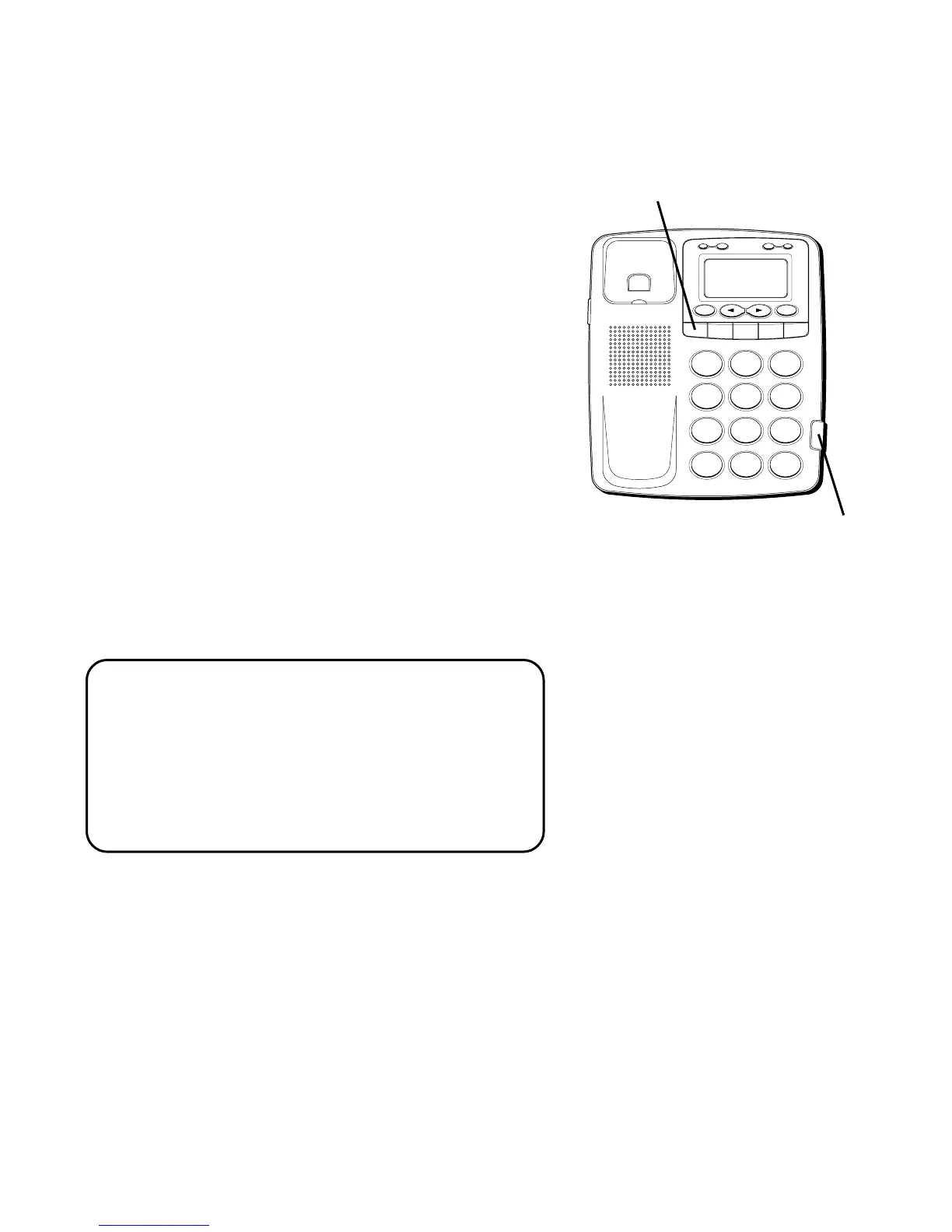
VOLUME CONTROL
This feature allows you to increase the
listening volume in the receiver of the
handset when speaking with your party.
When needed, slide the Receiver volume
switch.
REDIAL
If the number you dialed is busy, or you
want to call the last number dialed, press
REDIAL. The number appears in the display
and dials automatically.
ONE -TOUCH REDIAL
If the last call you dialed was busy, you can
redial it immediately by pressing the
REDIAL button without hanging up the
handset.
NOTE: The Redial feature stores all the
numbers you press. If you press any
numbers after dialing the last number
called (for example, when accessing a voice
mail system), those numbers are also dialed.
This may cause the phone to try to dial all
the numbers at once.
H
I •
•
•
O
F
F
R
IN
G
E
R
C
O
N
T
R
A
S
T
V
IP
O
P
TIO
N
ST
O
R
E
ER
A
S
E
D
IA
L
R
E
D
IA
L
A
B
C
FLA
S
H
Q
U
IC
K
D
IA
L
A
B
C
2
D
E
F
3
1
J
K
L
5
M
N
O
6
G
H
I
4
T
U
V
8
W
X
Y
Z
9
P
Q
R
S
7
O
P
E
R
0
#
T
O
N
E
*
Receiver volume switch.
REDIAL button



 To Next Page