35
REVIEWING NUMBERS STORED
IN
MEMORY
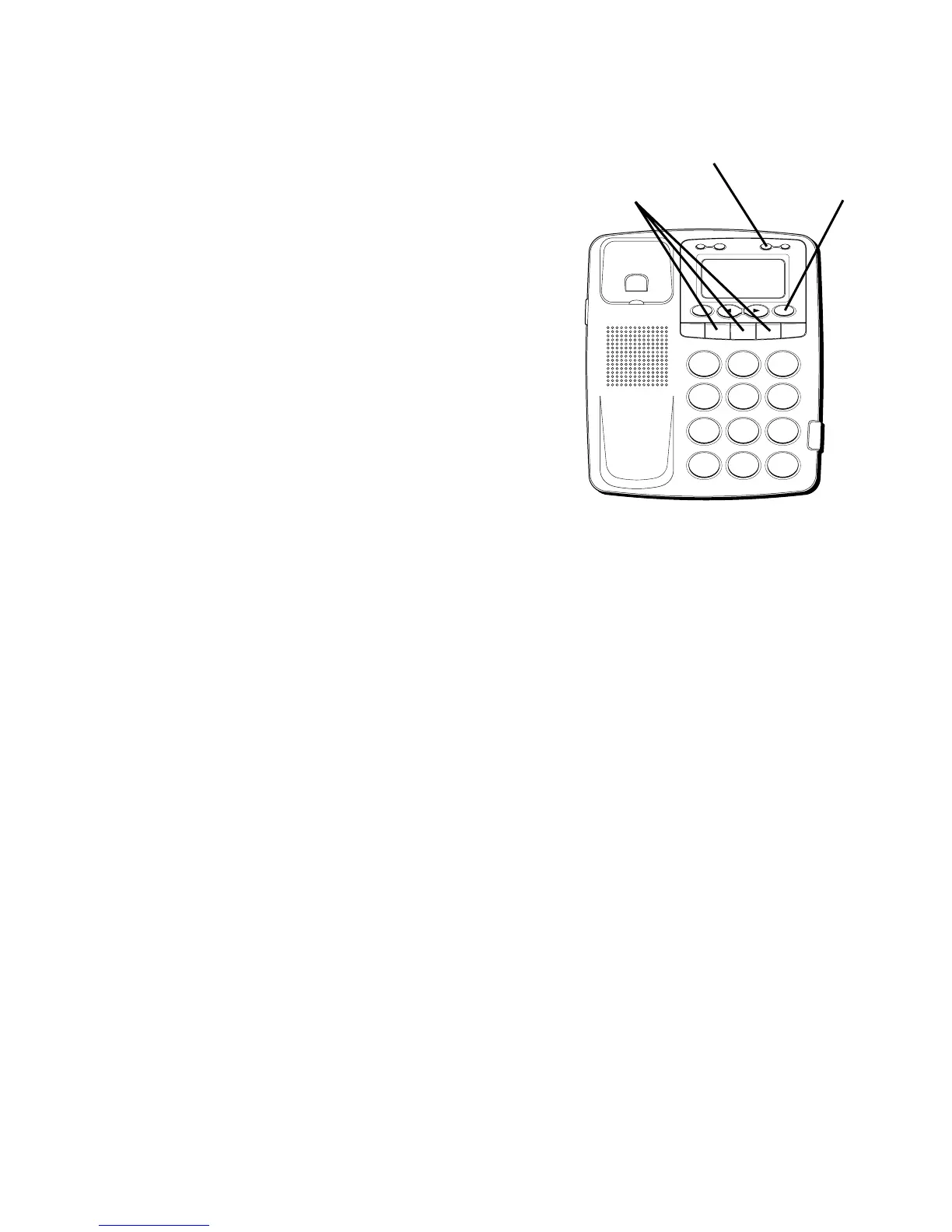
QUICK DIAL NUMBERS
1. Press Quick Dial A, B, or C. The number
appears in the display.
2. If you pick up the handset, Quick Dial A,
B, or C will dial automatically in two (2)
seconds.
FREQUENTLY CALLED NUMBERS
1. Press DIAL or STORE.
2. Press 0-9 for the memory location. The
number appears in the display.
3. The frequently called numbers will be
dialed out automatically in two (2)
seconds if the handset has been picked
up.
H
I •
•
•
O
F
F
R
IN
G
E
R
C
O
N
TR
A
S
T
V
IP
O
PT
IO
N
S
TO
RE
E
R
A
SE
D
IA
L
RE
D
IA
L
A
B
C
F
LA
S
H
Q
U
IC
K D
IA
L
A
B
C
2
D
E
F
3
1
J
K
L
5
M
N
O
6
G
H
I
4
T
U
V
8
W
X
Y
Z
9
P
Q
R
S
7
O
P
E
R
0
#
T
O
N
E
*
STORE button
Quick dial buttons DIAL button



 To Next Page