16
SETTING THE CID DISPLAY
LANGUAGE
This adjustment changes the Caller ID
prompts to be displayed in English, French
or Spanish.
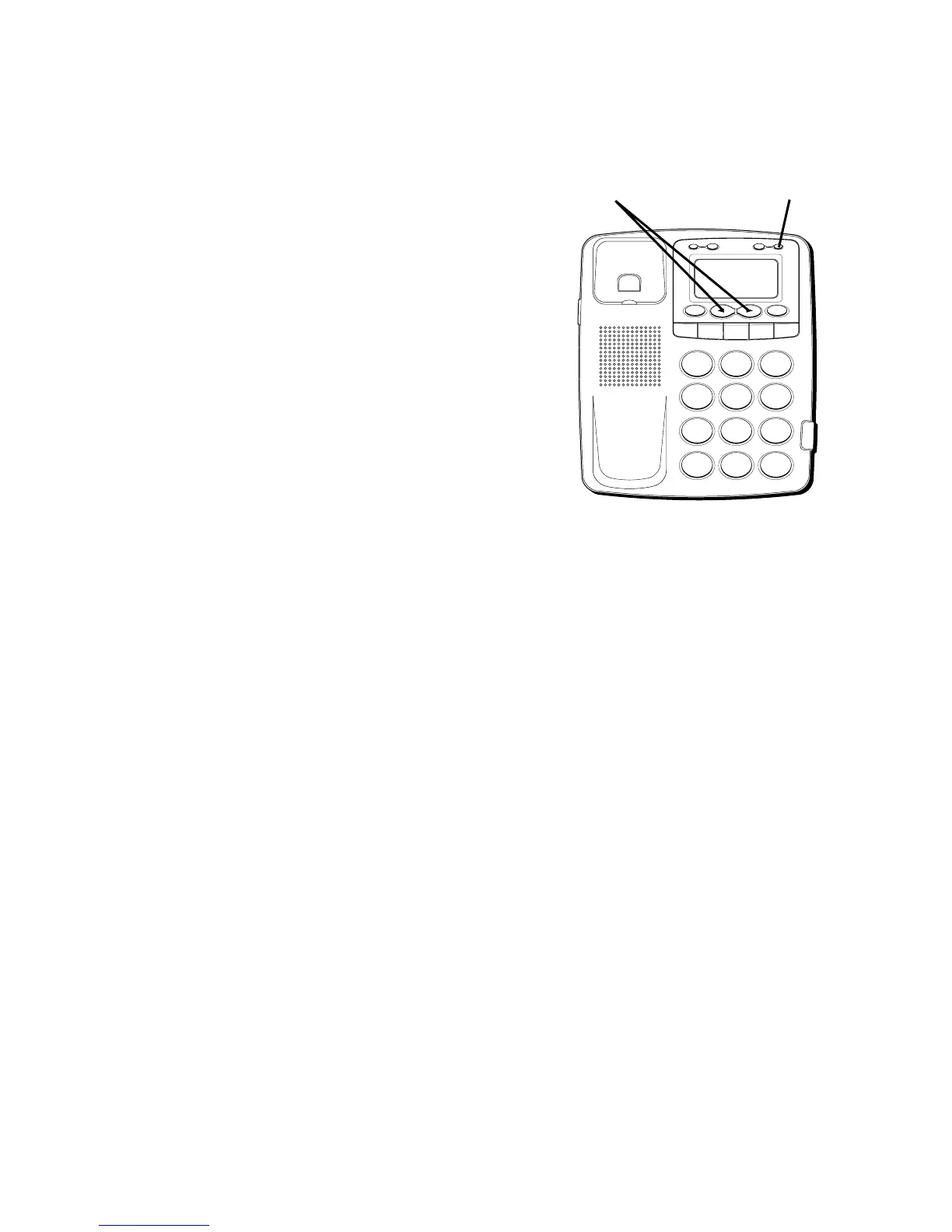
1. Press the OPTION button.
SET
OR
appears.
2. Press the REVIEW up "
" button until
LANGUAGE
appears in the display.
3. To enter and change the language, press
the OPTION button. The display shows
the current language. The default is
English.
H
I
•
•
•
O
F
F
R
IN
G
E
R
C
O
N
TR
A
S
T
V
IP
O
P
TIO
N
S
TO
R
E
ER
A
S
E
D
IA
L
R
E
D
IA
L
A
B
C
FLA
S
H
Q
U
IC
K
D
IA
L
A
B
C
2
D
E
F
3
1
J
K
L
5
M
N
O
6
G
H
I
4
T
U
V
8
W
X
Y
Z
9
P
Q
R
S
7
O
P
E
R
0
#
T
O
N
E
*
OPTION button
REVIEW buttons



 To Next Page