30
FLASH
This feature is used to activate customer
calling services available through your local
phone company, such as Call Waiting. These
services generally require an extra monthly
fee. If you subscribe to any of these
services, please refer to the phone
company’s instructions on how to use
FLASH.
Flash timing can also be adjusted from
100ms, 200ms, to 900ms. The default
setting is 600ms.
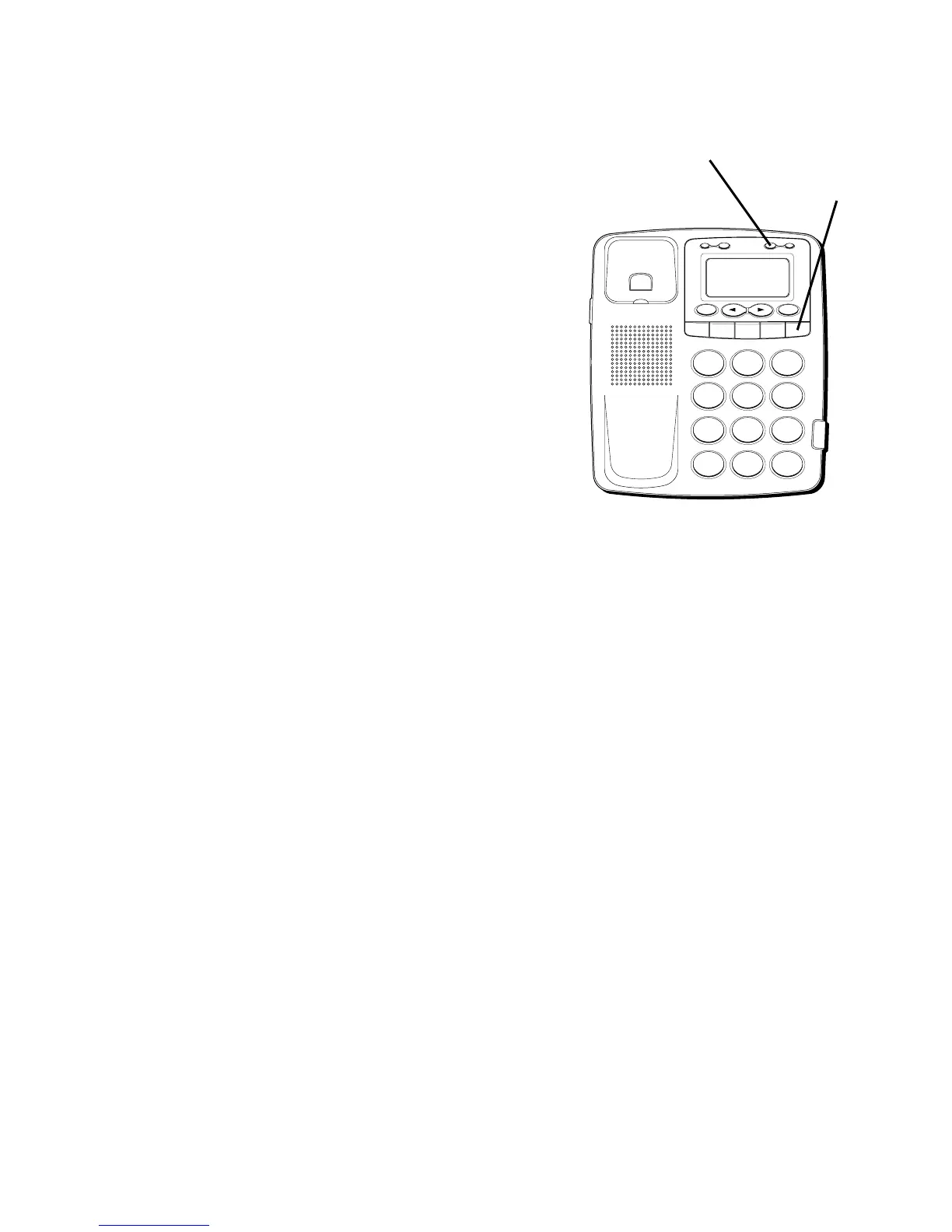
1. Press the STORE button.
2. Press the FLASH button.
3. Press 1-9 (1=100ms, 2=200ms, etc.)
4. Press the STORE button again to confirm.
H
I •
• •
O
F
F
R
IN
G
E
R
C
O
N
T
RA
S
T
V
IP
O
PT
IO
N
S
TO
R
E
E
R
A
S
E
D
IA
L
R
ED
IA
L
A
B
C
FLA
S
H
Q
U
IC
K
D
IA
L
A
B
C
2
D
E
F
3
1
J
K
L
5
M
N
O
6
G
H
I
4
T
U
V
8
W
X
Y
Z
9
P
Q
R
S
7
O
P
E
R
0
#
T
O
N
E
*
FLASH button
STORE button



 To Next Page