14
5. When the dash "-" or digit is flashing,
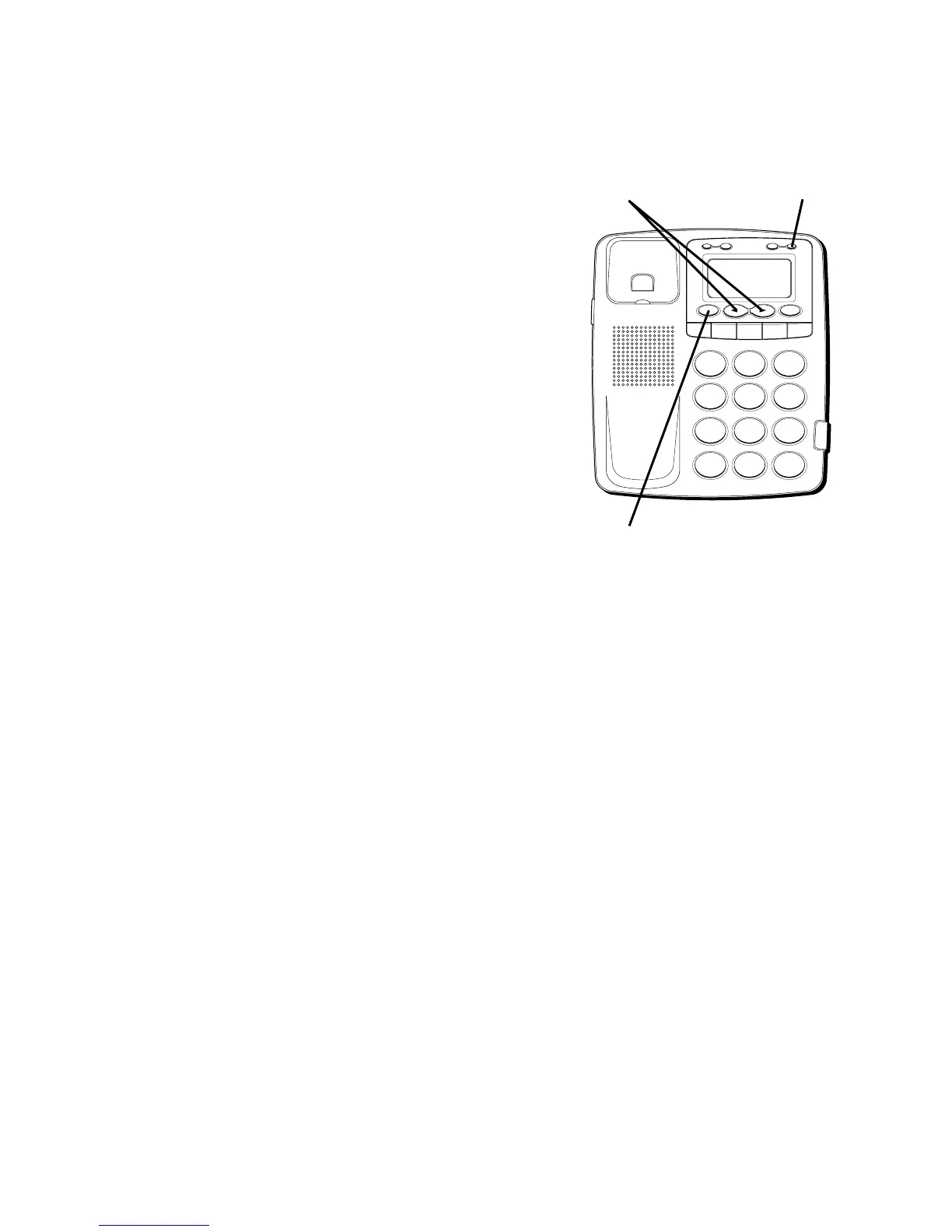
press the REVIEW down “ ” button to
advance to the next digit.
6. Press OPTION again to store the area
code and return to the “LOCAL AREA
CODE” display.
SETTING YOUR REGIONAL
AREA CODE
Like the Local Area Code, 6 sets of Regional
Area Codes can also be set.
1. Press the OPTION button.
SET
OR
appears in the display.
2. Press the REVIEW
(
OR
)
buttons until
REGIONAL AC’ S – 1
appears in the
display.
H
I • •
•
O
F
F
R
IN
G
E
R
CO
N
T
R
A
S
T
V
IP
O
P
TIO
N
S
TO
R
E
ER
A
S
E
D
IA
L
R
E
D
IA
L
A
B
C
FLA
S
H
Q
U
ICK
D
IA
L
A
B
C
2
D
E
F
3
1
J
K
L
5
M
N
O
6
G
H
I
4
T
U
V
8
W
X
Y
Z
9
P
Q
R
S
7
O
P
E
R
0
#
T
O
N
E
*
OPTION button
REVIEW buttons
ERASE button



 To Next Page