40
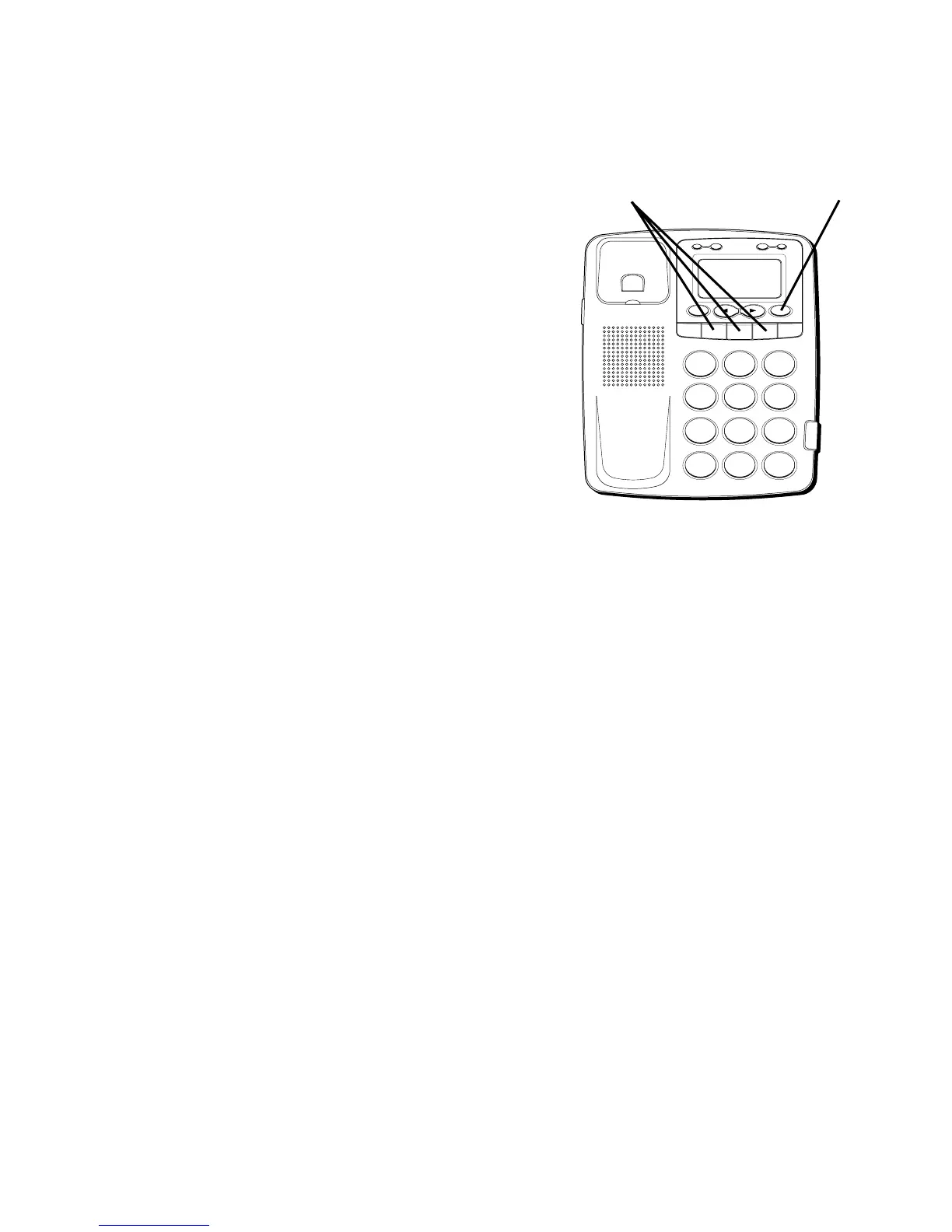
DIALING A QUICK DIAL
NUMBER
1. Pickup the handset.
2. Press the Quick Dial location A, B or C.
The number appears in the display and
dials automatically.
DIALING FREQUENTLY CALLED
NUMBERS
1. Pick up the handset.
2. Press DIAL.
3. Press 0-9 for the memory location. The
number dials automatically.
H
I
•
•
•
O
F
F
R
IN
G
E
R
C
O
N
T
RA
S
T
V
IP
O
PT
IO
N
S
TO
R
E
E
R
A
S
E
D
IA
L
R
ED
IA
L
A
B
C
F
LA
S
H
Q
U
IC
K
D
IA
L
A
B
C
2
D
E
F
3
1
J
K
L
5
M
N
O
6
G
H
I
4
T
U
V
8
W
X
Y
Z
9
P
Q
R
S
7
O
P
E
R
0
#
T
O
N
E
*
Quick dial buttons DIAL button



 To Next Page