39
STORING A PAUSE IN MEMORY
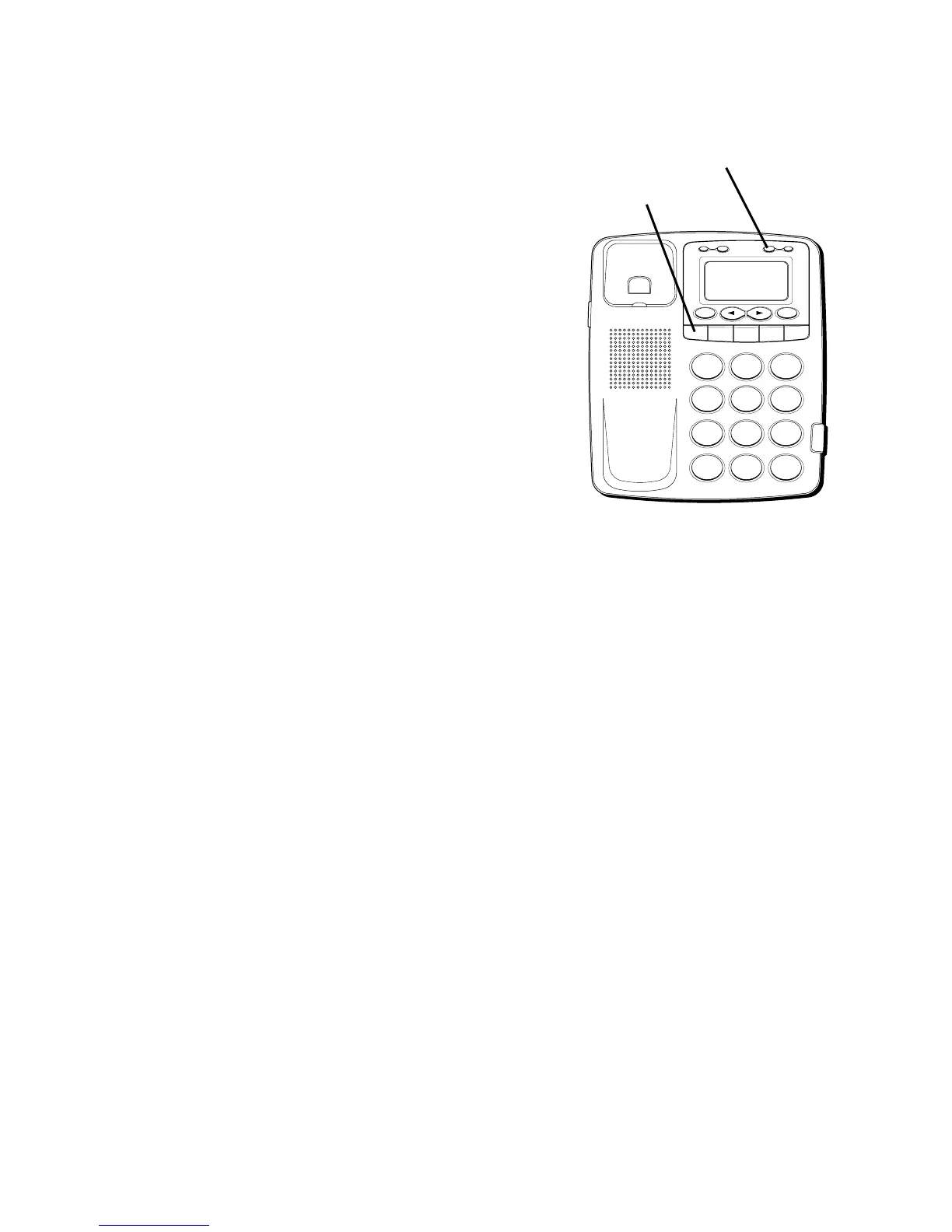
The REDIAL button has dual functionality
and becomes a PAUSE button when the
STORE button is pressed first. It is valid
only when storing a number into memory
locations. Use the PAUSE (REDIAL) button
to insert a pause when a delay is needed in
an automatic dialing sequence. For
example, when you must dial a 9 to get an
outside line or when you enter codes to
access your long distance company.
You may need to adjust the length of the
pause duration. It can be adjusted from 1 to
9 seconds. The default setting is 4 seconds.
1. Press the STORE button.
2. Press the REDIAL button.
3. Press 1-9 (1=1 second, 2=2 seconds, etc.)
4. Press STORE again to confirm.
H
I • •
•
O
F
F
R
IN
G
E
R
C
O
N
T
R
A
ST
V
IP
O
PT
IO
N
S
TO
RE
ER
A
S
E
D
IA
L
R
ED
IA
L
A
B
C
FLA
S
H
Q
U
IC
K
D
IA
L
A
B
C
2
D
E
F
3
1
J
K
L
5
M
N
O
6
G
H
I
4
T
U
V
8
W
X
Y
Z
9
P
Q
R
S
7
O
P
E
R
0
#
T
O
N
E
*
STORE button
REDIAL /PAUSE
button



 To Next Page