18
CALLER ID FEATURES
SUMMARY SCREEN
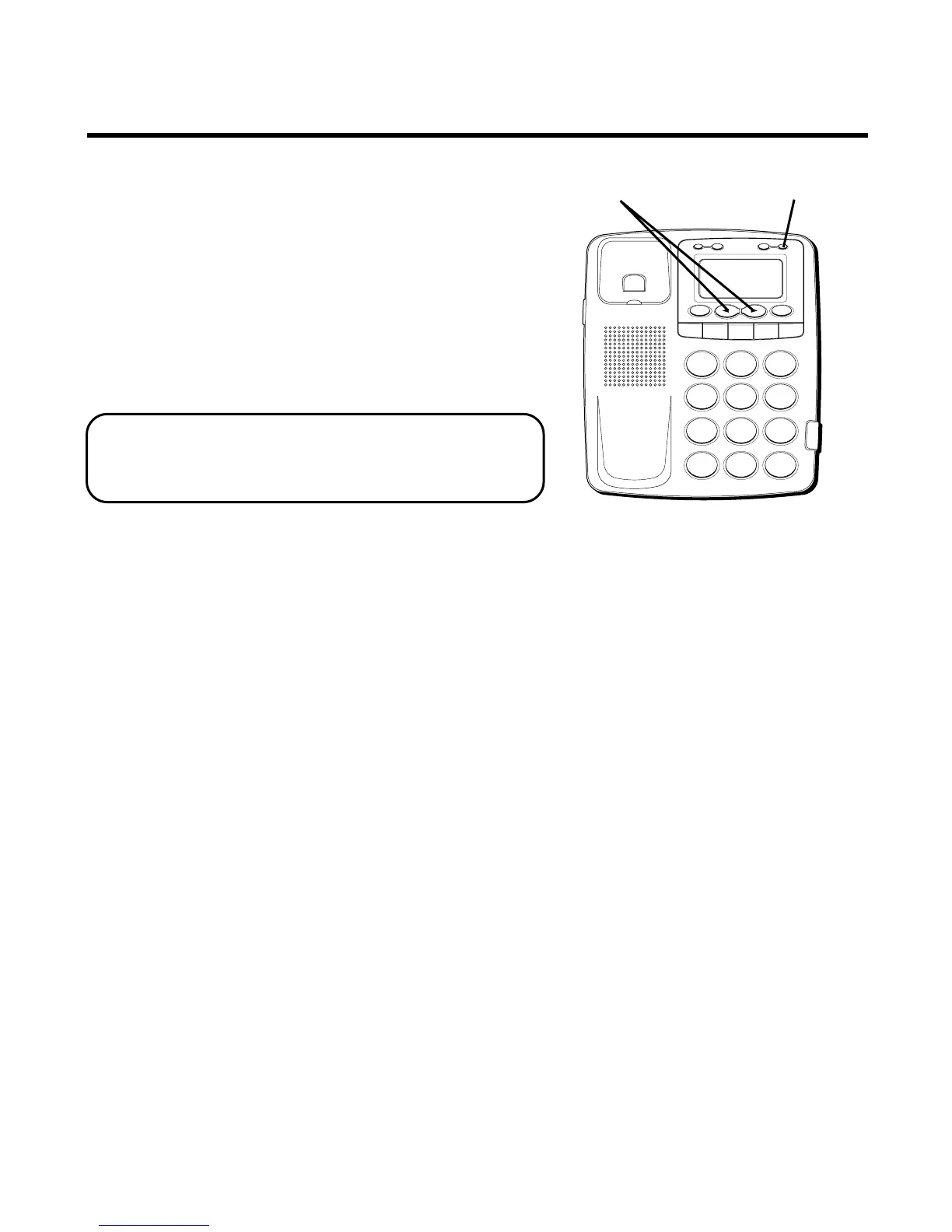
The Summary Screen shows the current
time, date, and number of new calls to
review. It is displayed until the REVIEW or
OPTION buttons are pressed or a Caller ID
record is received. Within 20 seconds of
receiving a new call, the Summary Screen
is displayed and the New Call LED flashes.
NOTE: The number of new calls is
displayed until all new calls have been
reviewed.
H
I •
•
•
O
F
F
R
IN
G
E
R
C
O
N
TR
A
S
T
V
IP
O
PT
IO
N
S
TO
RE
E
R
A
SE
D
IA
L
RE
D
IA
L
A
B
C
F
LA
S
H
Q
U
IC
K D
IA
L
A
B
C
2
D
E
F
3
1
J
K
L
5
M
N
O
6
G
H
I
4
T
U
V
8
W
X
Y
Z
9
P
Q
R
S
7
O
P
E
R
0
#
T
O
N
E
*
OPTION button
REVIEW buttons



 To Next Page