CHAPTER 5: SETPOINTS S1 745 SETUP
745 TRANSFORMER PROTECTION SYSTEM – INSTRUCTION MANUAL 5–31
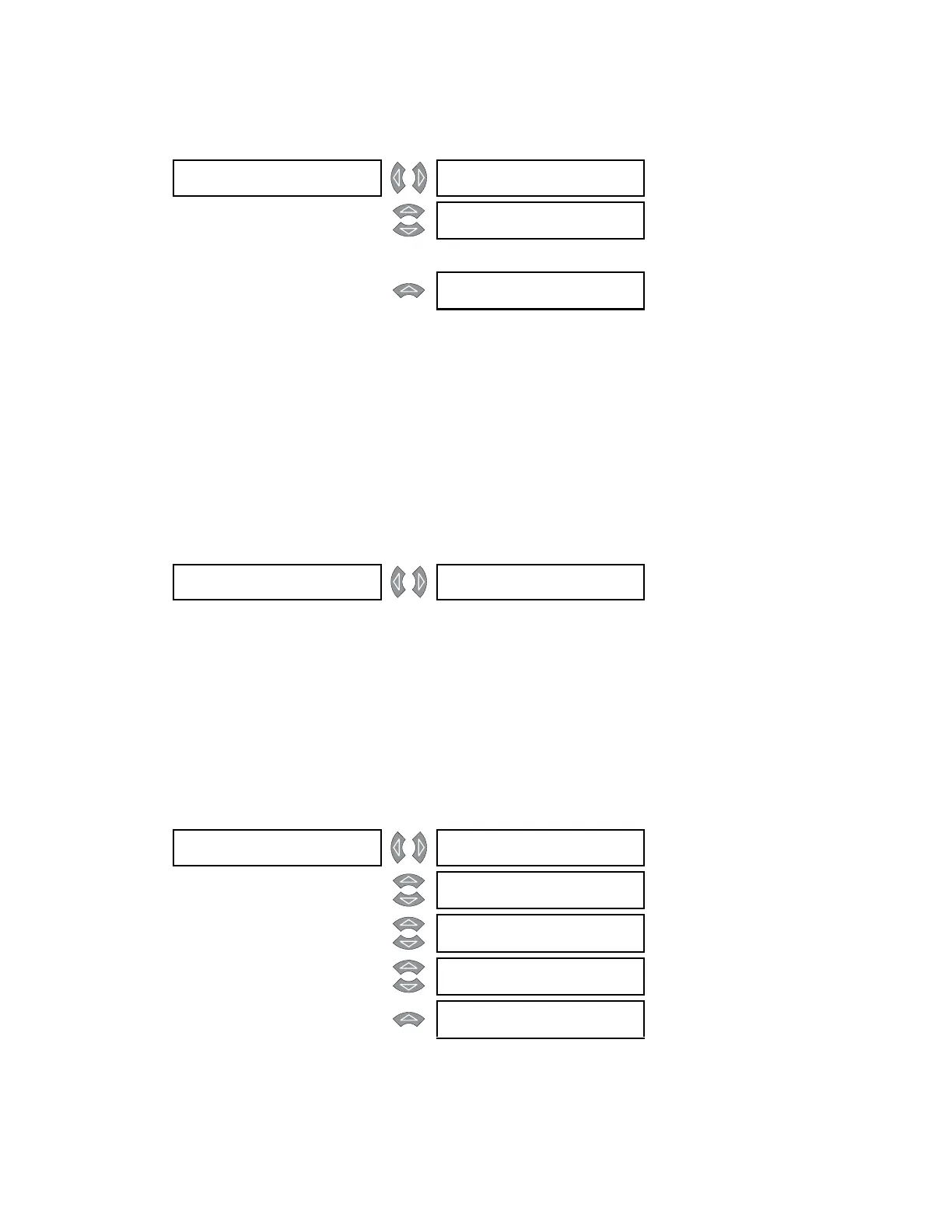
5.3.7 Scratchpad
PATH: SETPOINTS S1 745 SETUP SCRATCHPAD
Up to five (5) message screens can be programmed and selected as default messages.
These messages can be used to provide identification information about the system or
instructions to operators.
• TEXT 1 to TEXT 5: Press ENTER to begin editing scratchpad messages 1 through 5. The
text may be changed from “Text 1" one character at a time, using the VALUE keys.
Press the ENTER key to store the edit and advance to the next character position. This
message may then be stored as a default message.
5.3.8 Installation
PATH: SETPOINTS S1 745 SETUP INSTALLATION
To safeguard against the installation of a relay whose setpoints have not been entered, the
745 will not allow signaling of any output relay, will have the In Service LED off and the Self-
Test Error LED on, until the 745 is set to “Programmed”. The setpoint is defaulted to “Not
Programmed” when the relay leaves the factory. The
SETPOINTS HAVE NOT BEEN
PROGRAMMED
self-test error message is displayed automatically until the 745 is put into
the programmed state:
5.3.9 Upgrade Options
PATH: SETPOINTS S1 745 SETUP UPGRADE OPTIONS
SCRATCHPAD []Text 1
Range: Up to forty (40) alphanumeric
characters
MESSAGE
Text 2
Range: Up to forty (40) alphanumeric
characters
↓
MESSAGE
Text 5
Range: Up to forty (40) alphanumeric
characters
INSTALLATION [] 745 SETPOINTS:
Not Programmed
Range: Programmed,
Not Programmed
UPGRADE OPTIONS [] ENABLE ANALOG I/O?
Ye s
Range: Yes, No
MESSAGE
ENABLE LOSS OF LIFE?
Ye s
Range: Yes, No
MESSAGE
ENABLE RESTRICTED
GROUND FAULT? Yes
Range: Yes, No
MESSAGE
ENTER PASSCODE:
Range: Enter the passcode supplied by
the manufacturer
MESSAGE
UPGRADE OPTIONS?
Ye s
Range: Yes, No



 To Next Page