CHAPTER 4: INTERFACES ADVANCED ENERVISTA 745 SETUP FEATURES
745 TRANSFORMER PROTECTION SYSTEM – INSTRUCTION MANUAL 4–37
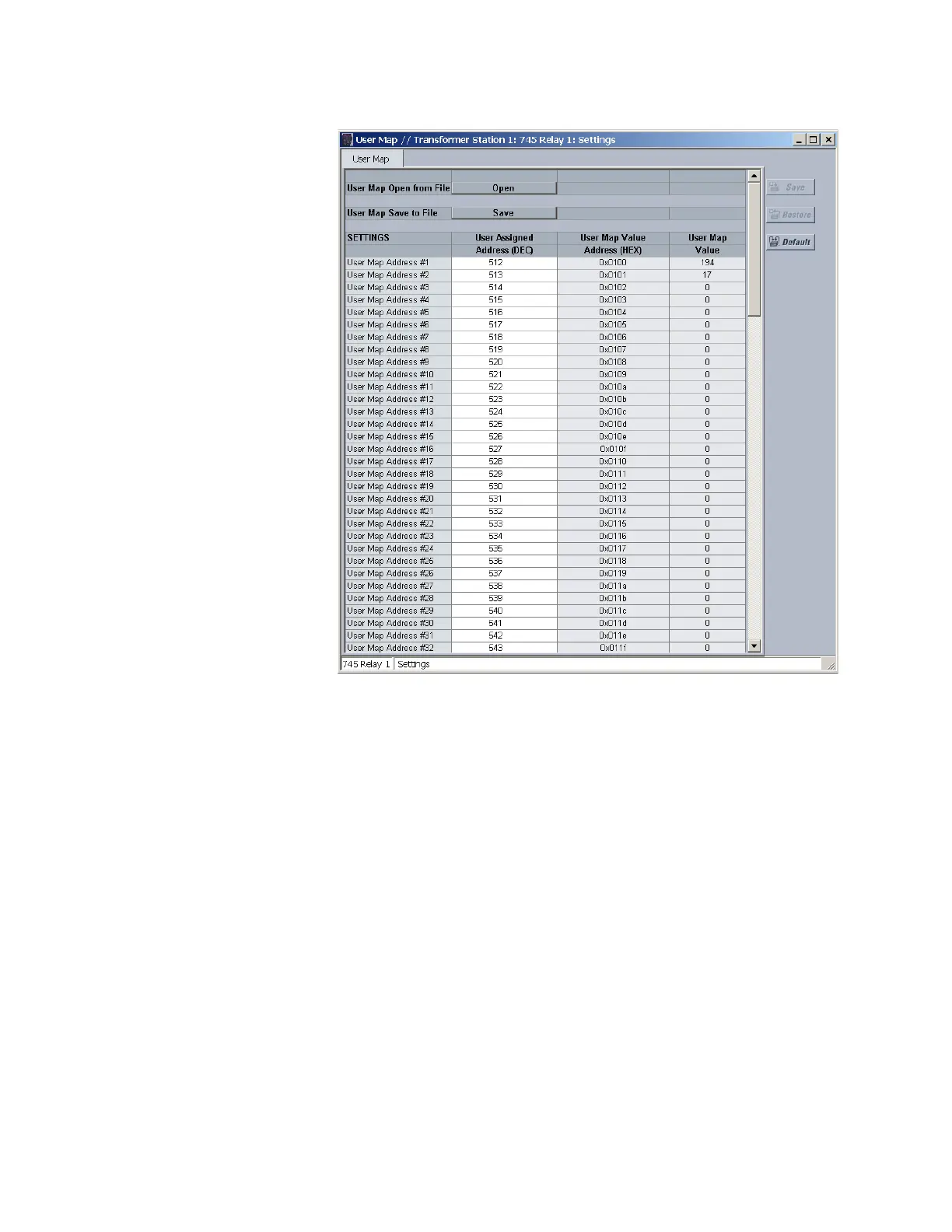
This window allows the desired addresses to be written to User Map locations. The User
Map values that correspond to these addresses are then displayed.
4.6.6 Viewing Actual Values
You can view real-time relay data such as input/output status and measured parameters.
From the main window menu bar, select Actual Values to open a
window with tabs, each tab containing data in accordance to the
following list:
1. System status:
• The status of the logic inputs and virtual inputs/outputs
• Targets.
• The status of the output relays.
• Any self-test errors.
2. Metering data:
• Instantaneous current measurements including phase, neutral,
and ground currents for each winding, along with differential,
restraint, positive-sequence, negative-sequence, zero-sequence,
and ground restraint currents.



 To Next Page