CHAPTER 4: INTERFACES UPGRADING RELAY FIRMWARE
745 TRANSFORMER PROTECTION SYSTEM – INSTRUCTION MANUAL 4–27
4.5 Upgrading Relay Firmware
4.5.1 Description
To upgrade the 745 firmware, follow the procedures listed in this section. Upon successful
completion of this procedure, the 745 will have new firmware installed with the original
setpoints.
The latest firmware files are available from the GE Multilin website at http://
www.GEmultilin.com.
4.5.2 Saving Setpoints to a File
Before upgrading firmware, it is very important to save the current 745 settings to a file on
your PC. After the firmware has been upgraded, it will be necessary to load this file back
into the 745.
Refer to Downloading and Saving Setpoints Files on page 4–21 for details on saving relay
setpoints to a file.
4.5.3 Loading New Firmware
Loading new firmware into the 745 flash memory is accomplished as follows:
Connect the relay to the local PC and save the setpoints to a file as
shown in Downloading and Saving Setpoints Files on page 4–21.
Select the Communications > Update Firmware menu item.
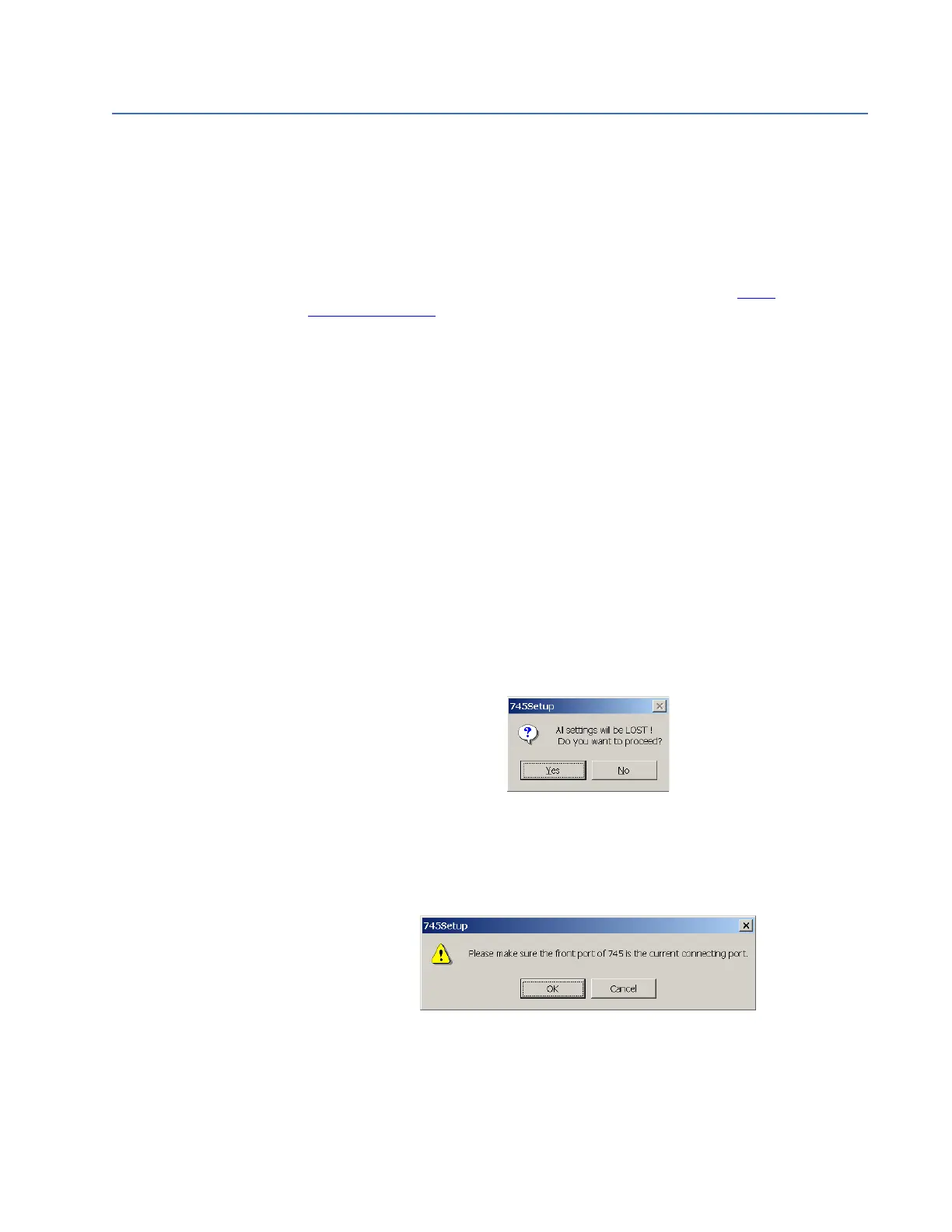
The following warning message will appear.
Select Yes to proceed or No the cancel the process.
Do not proceed unless you have saved the current setpoints
An additional message will be displayed to ensure the PC is connected to the relay front
port, as the 745 cannot be upgraded via the rear RS485 ports.
The EnerVista 745 Setup software will request the new firmware file.



 To Next Page