6–4 745 TRANSFORMER PROTECTION SYSTEM – INSTRUCTION MANUAL
A1 STATUS CHAPTER 6: ACTUAL VALUES
6.2 A1 Status
6.2.1 Network Status
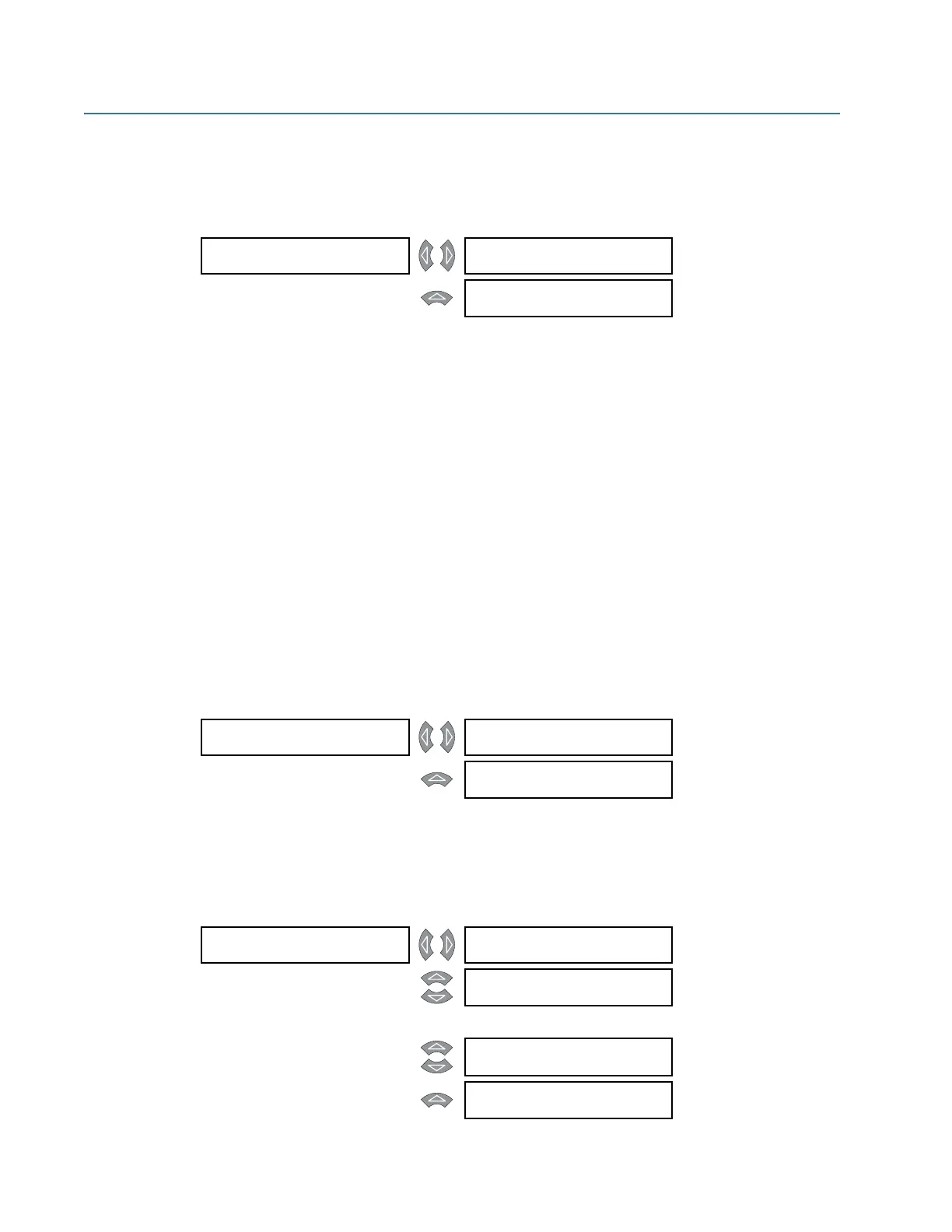
PATH: ACTUAL VALUES A1 STATUS NETWORK STATUS
These actual values appear when the relay is ordered with the Ethernet (T) option.
The ETHERNET STATUS actual value message indicates the status of the Ethernet link,
connection, and diagnostic via three indicators. The
[] symbol indicates on, and the []
symbol indicates off. There is also a blinking indication.
The box under Lnk column indicates the Ethernet link status. If it is on, the Ethernet port is
connected to the network; if it is off, the port is disconnected. This indicator is normally on.
The box under the Con column indicates the connection status. If on, the Ethernet port is
configured and ready to transmit and receive data. If blinking, the Ethernet port is either
active (transmitting or receiving data) or indicating an error if the diagnostic status is also
on or blinking.
The box under the Dia column indicates the diagnostic status. If it is on, then either a fatal
Ethernet port error has occurred or there is a duplicate IP address on the network. If
blinking, then there is a non-fatal network error. Off indicates no errors.
6.2.2 Date and Time
PATH: ACTUAL VALUES A1 STATUS DATE AND TIME
The current date and time are displayed here.
6.2.3 Logic Inputs
PATH: ACTUAL VALUES A1 STATUS LOGIC INPUTS
NETWORK STATUS [] Ethernet Lnk Con Dia
Status [] [] []
Range: see description
below
MESSAGE
MAC ADDRESS:
00:20:32:F8:7F
Range: MAC address,
example shown
DATE AND TIME [] CURRENT DATE:
Jan 01 2001
MESSAGE
CURRENT TIME:
00:00:00
LOGIC INPUTS [] LOGIC INPUT 1
STATE: Not Asserted
MESSAGE
LOGIC INPUT 2
STATE: Not Asserted
↓
MESSAGE
LOGIC INPUT 16
STATE: Not Asserted
MESSAGE
SETPOINT ACCESS
STATE: Open



 To Next Page