3–4 745 TRANSFORMER PROTECTION SYSTEM – INSTRUCTION MANUAL
DRAWOUT CASE CHAPTER 3: INSTALLATION
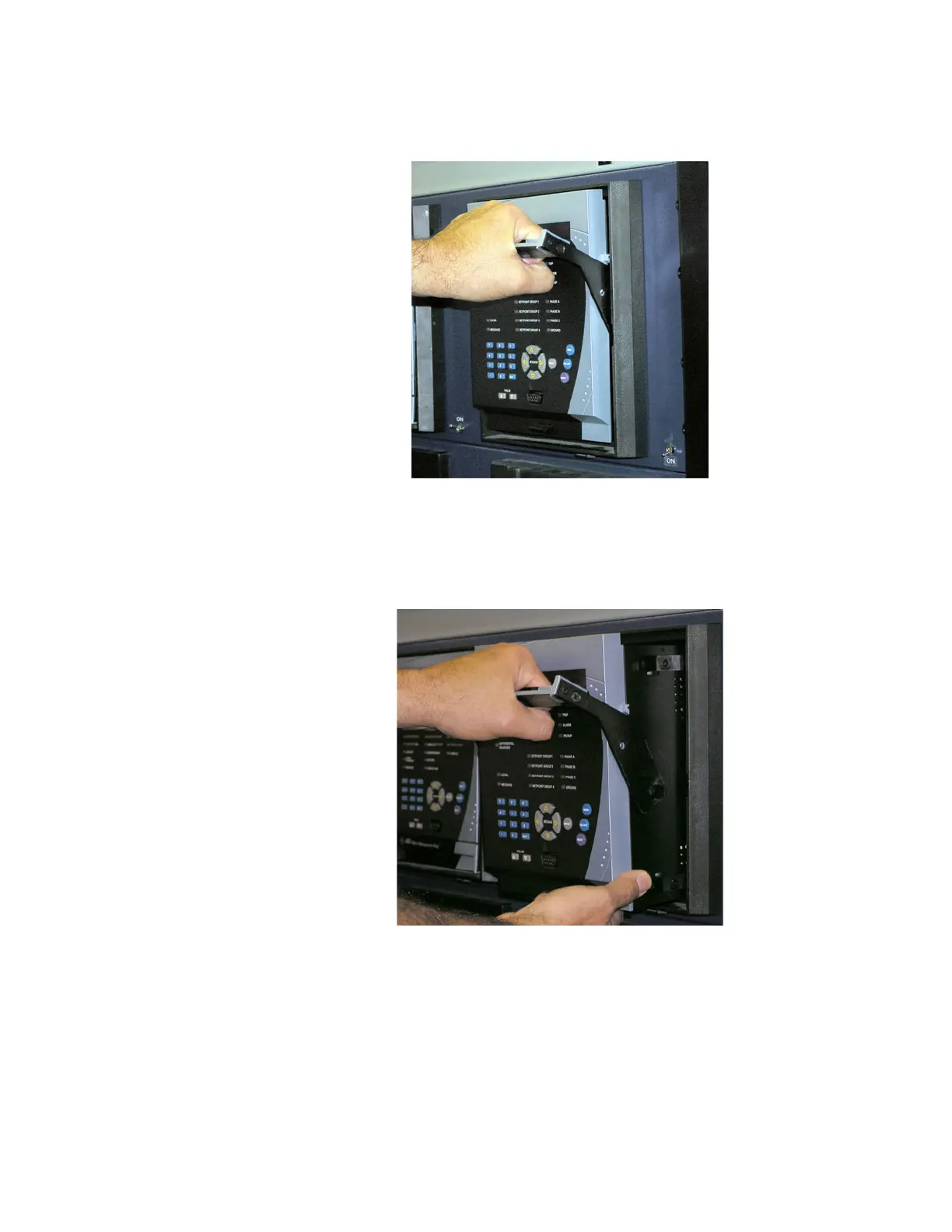
3. Grasp the locking handle in the center and pull firmly, rotating the handle up from the
bottom of the unit until movement ceases.
FIGURE 3–6: Rotate handle to stop position
4. Once the handle is released from the locking mechanism, the unit can freely slide out
of the case when pulled by the handle. It may sometimes be necessary to adjust the
handle position slightly to free the unit.
FIGURE 3–7: Slide unit out of case
To insert the unit into the case:
1. Raise the locking handle to the highest position.
2. Hold the unit immediately in front of the case and align the rolling guide pins (near the
hinges of the locking handle) to the guide slots on either side of the case.



 To Next Page