2424
2. Press the
Left/Right
WRKLJKOLJKWHDFK½HOG
and use the
Up/Down
to adjust the value.
3. Press the
EXWWRQWRFRQ½UPWKHVHWWLQJ
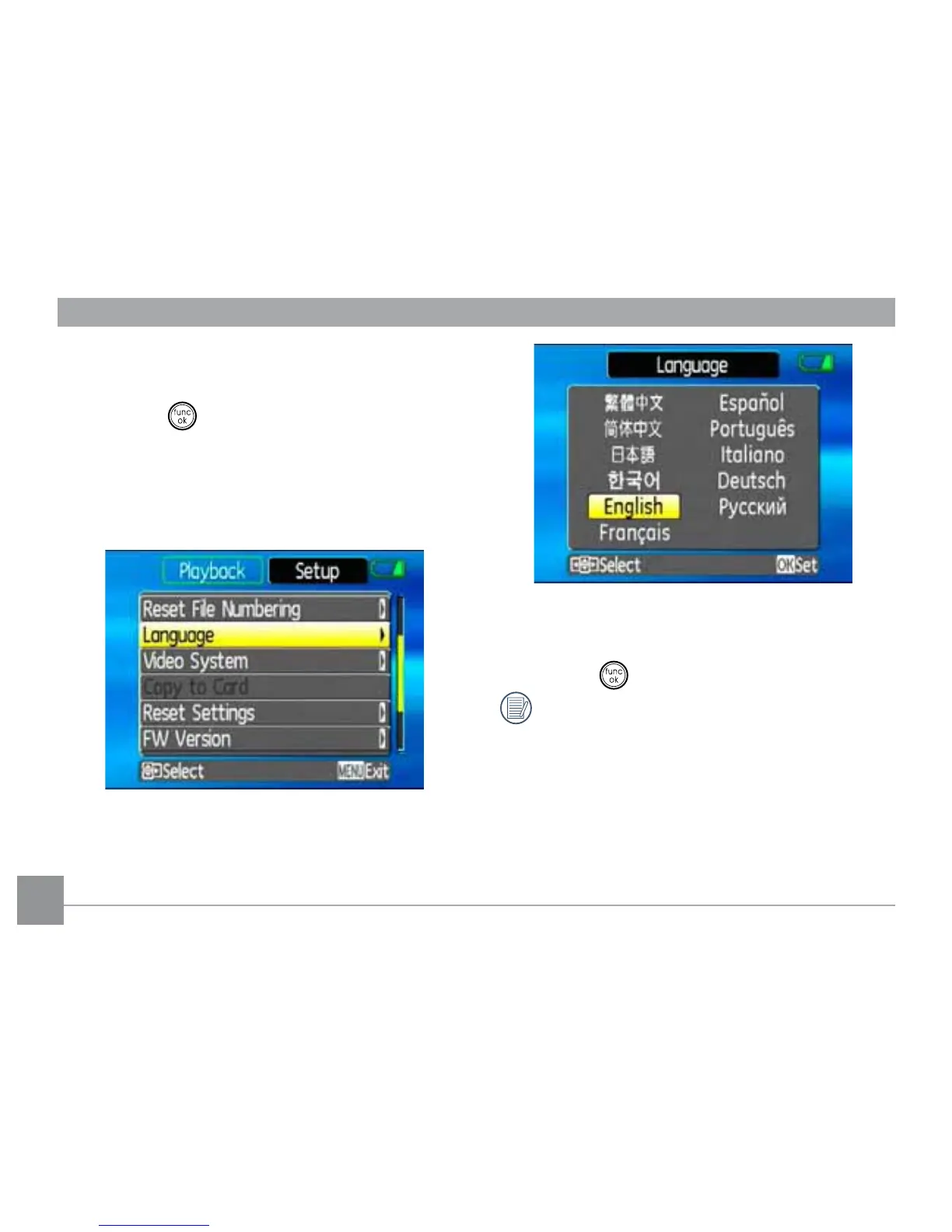
Setting the Language
1. Use the
Up/Down
to select
Language
.
Then press the
Right
to enter the setting.
2. Use the navigation buttons to select the
desired language.
3. Press the
EXWWRQWRFRQ½UPWKHVHWWLQJ
The Set date/time and language screen
will automatically appear when the
FDPHUDLVWXUQHGRQWKH½UVWWLPH



 To Next Page