7474
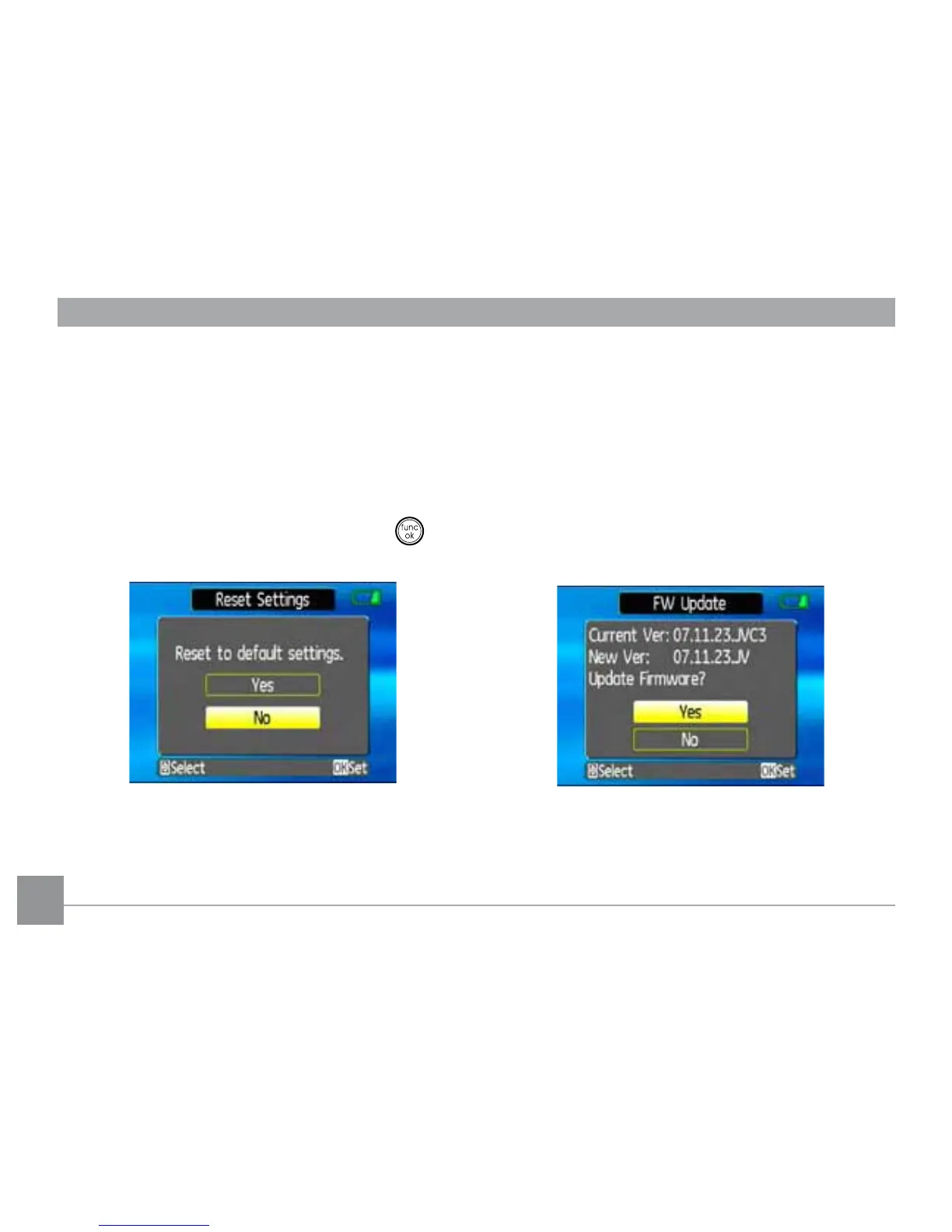
Reset Settings
Use this setting to restore the camera to its
default settings.
1. Select the Reset setting from the Setup
menu as described previously.
2. Use the Up/Down navigation buttons
to select Yes or No. Then press the
EXWWRQWRFRQ½UP
FW Ver. (Firmware version)
Use this setting to view the current camera
½UPZDUHYHUVLRQ
1. Select the
FW Ver.
setting from the
Setup
menu as described previously.
2. If SD card contains a new version of
½UPZDUHSOHDVHXSJUDGHDFFRUGLQJO\DV
necessary.



 To Next Page