2727
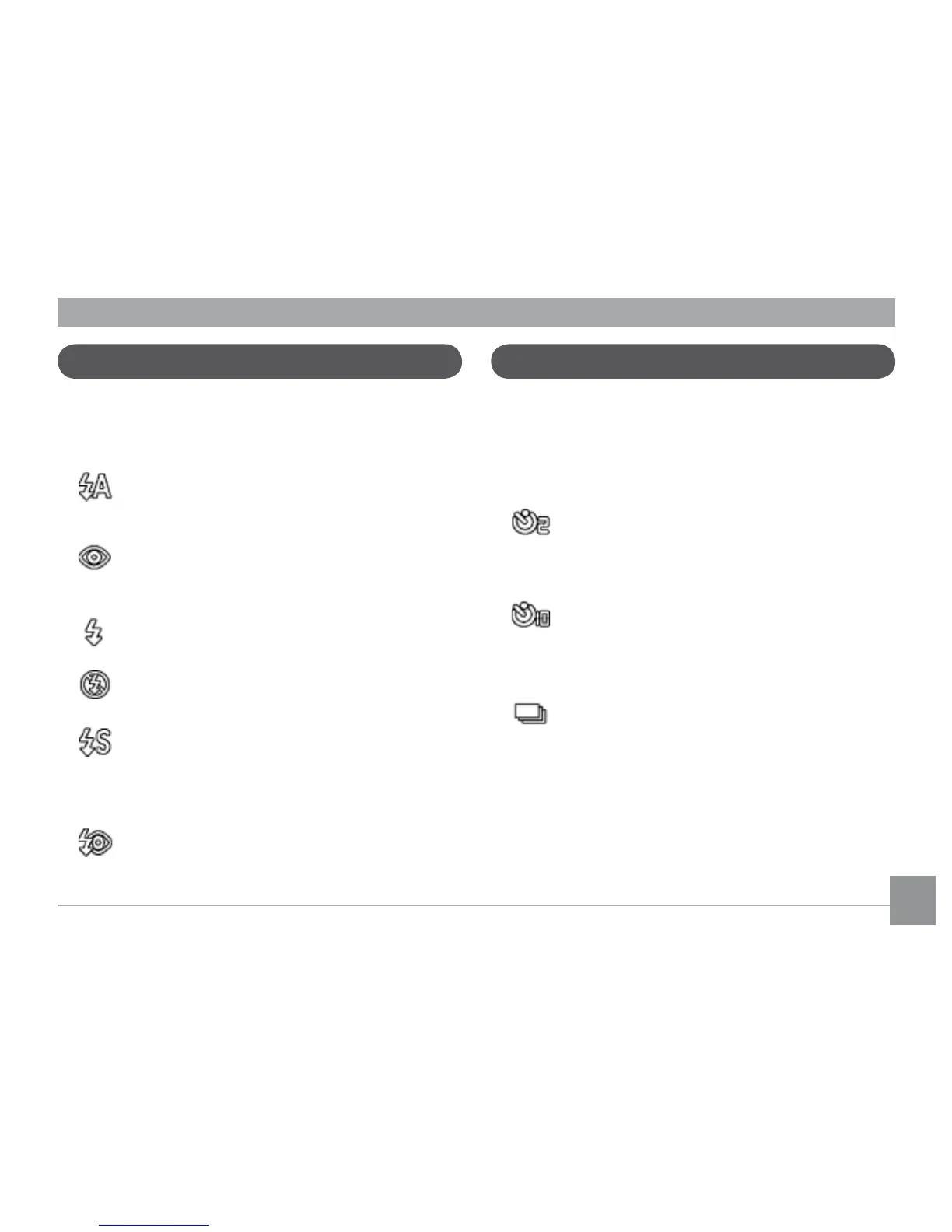
8VLQJWKH¾DVK
7KHUHDUHVL[¾DVKPRGHV3UHVVWKHLeft/
FlashWRF\FOHWKURXJKWKHIROORZLQJ¾DVK
modes.
•
$XWR¾DVK
&DPHUD¾DVK½UHVDXWRPDWLFDOO\EDVHG
on existing light conditions.
•
5HGH\HUHGXFWLRQ¾DVK
7KHFDPHUD½UHVDEULHI¾DVKEHIRUHWKH
SLFWXUHLVWDNHQWRUHGXFHUHGH\HHȖHFWV
•
)RUFHG¾DVK
)ODVKDOZD\V½UHV
•
)ODVKRȖ
)ODVKLVWXUQHGRȖ
•
Slow Synchro
7KLVDOORZV\RXWRWDNHSLFWXUHVRISHRSOH
at night that clearly show both your
VXEMHFWVDQGWKHQLJKWWLPHEDFNGURS
•
Red-Eye Reduction+Slow Synchro
Use this mode for slow synchro shots
with red-eye reduction.
Using the self-timer/Multiple shots
To enable the self-timer function, press the
Down/Self-timer to select 2-second timer
delay, 10-second timer delay, or a continuous
shot.
•
2-second timer delay
A single picture is shot 2 seconds after
the shutter button is pressed.
•
10-second timer delay
A single picture is shot 10 seconds after
the shutter button is pressed.
•
Continuous shot
Pictures are shot continuously when the
shutter button is pressed based on the
Continuous Shot settings in the menu.
(See “Continuous Shot” on page 56).



 To Next Page