8181
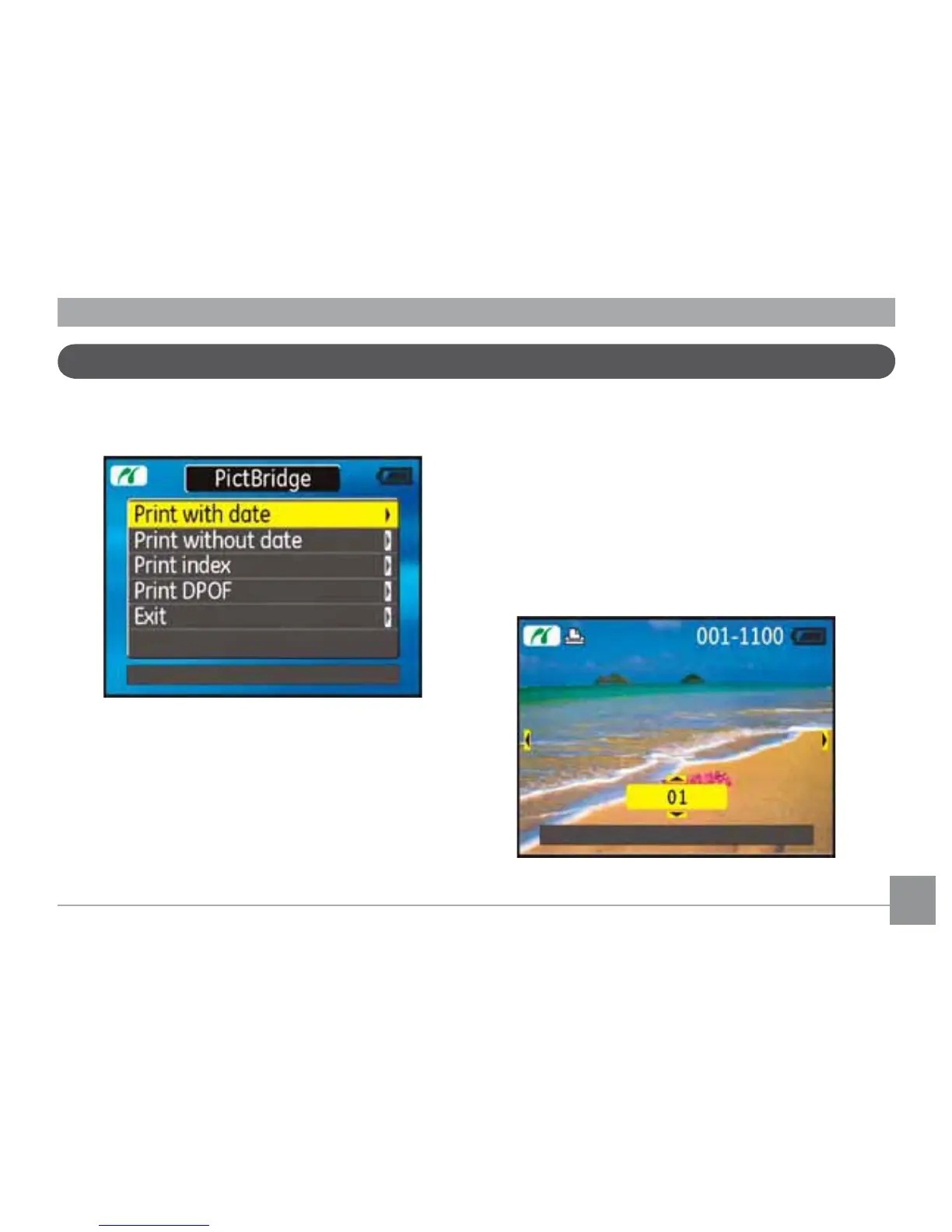
After setting the USB mode to Printer, the
PictBridge menu appears.
Use the Up/Down navigation buttons to
select a menu item, and press the Right
navigation button to enter.
Refer to the following sections for more de-
tailed information on each setting.
Print with date
If you have set the date and time of your
camera, the date record would be saved with
WKHSKRWRV\RXWDNH<RXFDQSULQWWKHSKRWRV
with date by following the steps below.
1. Select Print with date from
the PictBridge menu. The
following screen appears.
Using the PictBridge menu



 To Next Page