66
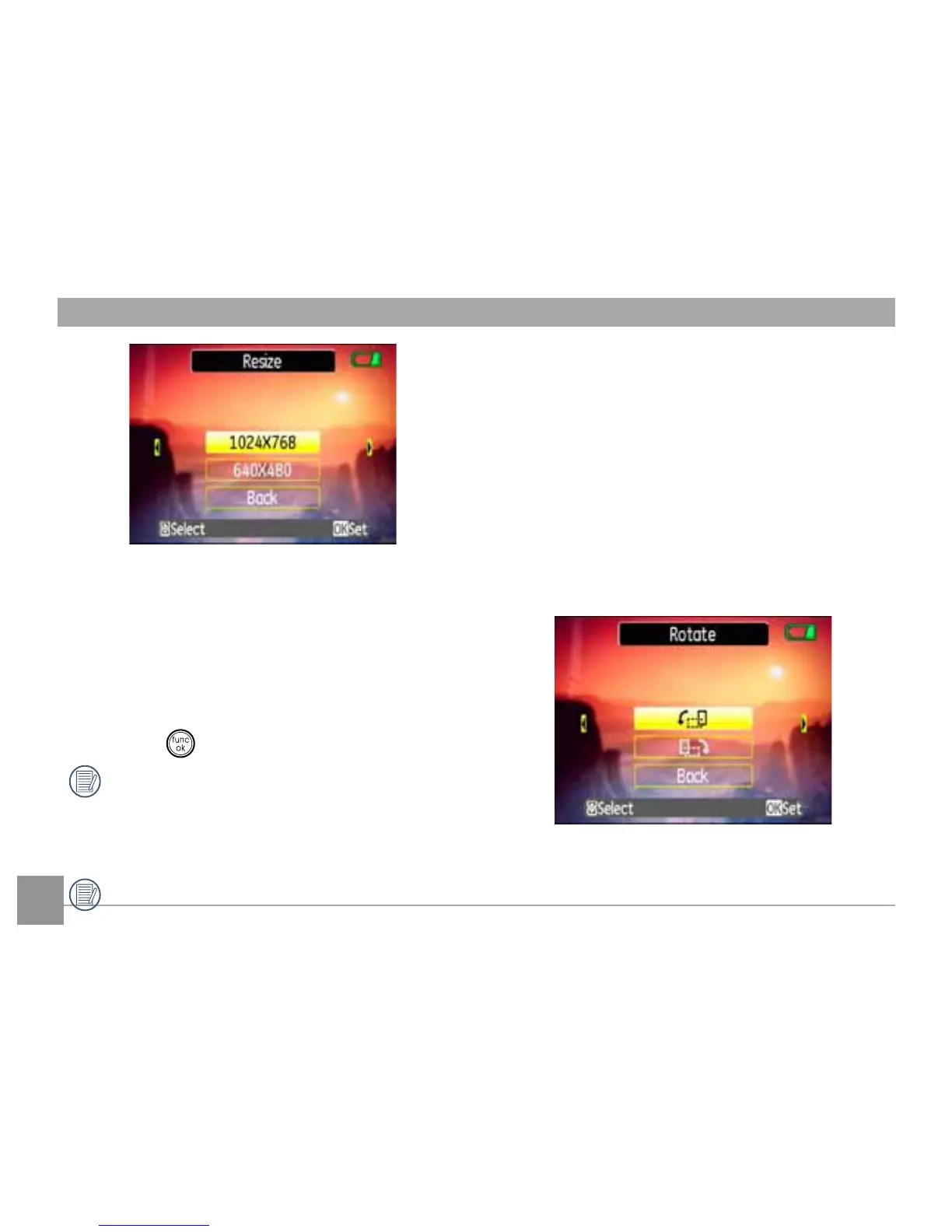
2. Use the
Left/Right
navigation buttons to
VHOHFWDSLFWXUHWRUHVL]H
3. Use the Up/Down navigation buttons
to select a resolution (1024X768 or
640X480WRUHVL]HWKHLPDJHRUback to
cancel and return to the Playback menu.
4. Press the
EXWWRQWRFRQ½UPWKHVHWWLQJ
5HVL]LQJDQLPDJHFUHDWHVDQHZ½OH
WKDWFRQWDLQVWKHLPDJHLQWKHVL]H\RX
VHOHFW7KH½OHZLWKWKHRULJLQDOLPDJH
also remains in memory.
If the message “The image cannot be
edited.” appears, it means that the
FXUUHQWLPDJHFDQQRWEHUHVL]HG
Rotate
You can use this setting to change the picture
orientation of the picture.
1. Select the Rotate setting from the
Playback menu as described previously.
2. Use the Left/Right navigation buttons to
select a picture to rotate.
3. Use the Up/Down navigation buttons to
select the direction for rotation or Back to



 To Next Page