6969
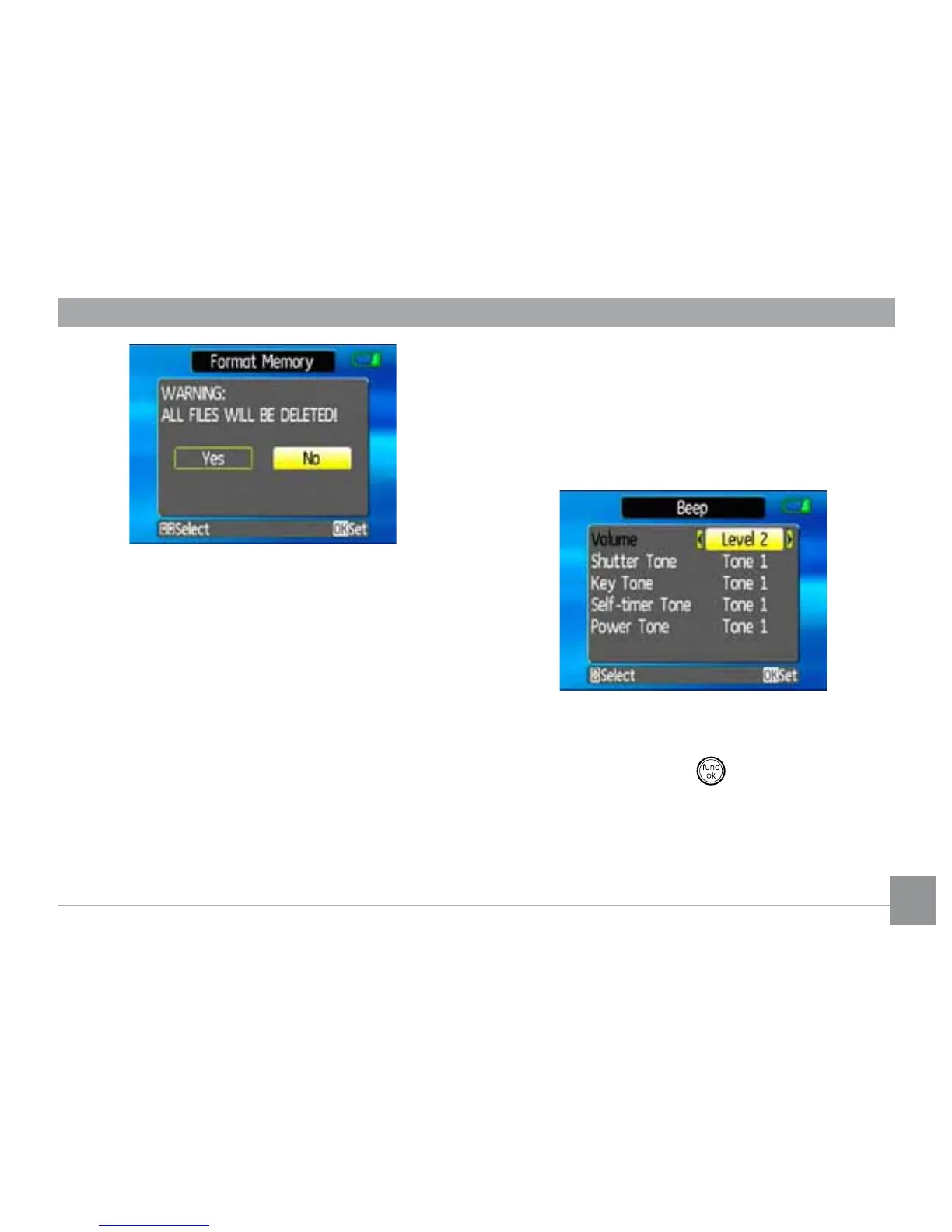
3. The current media is formatted.
Beep
Use this setting to adjust the volume of beep
when buttons are pressed and change the
tones for shutter, buttons, self-timer, and
SRZHURQSRZHURȖ
To change this setting:
1. Select the Beep setting from the Setup
menu as described previously.
2. Use the Up/Down navigation buttons
to switch between volume, shutter tone,
NH\WRQHVHOIWLPHUWRQHDQGSRZHUWRQH
½HOGV
3. Use the Left/Right navigation buttons to
adjust the volume and change each tone
style. Then press the
EXWWRQWRFRQ½UP



 To Next Page